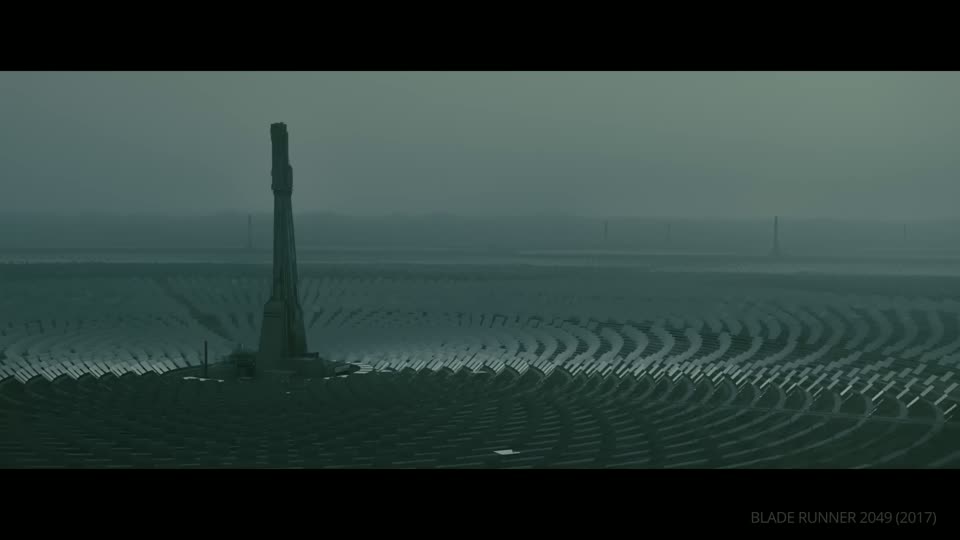
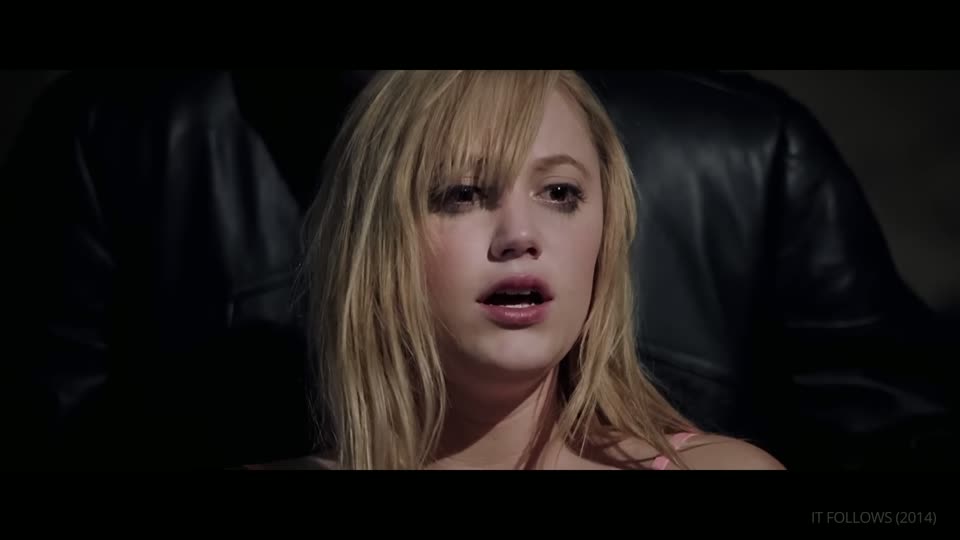
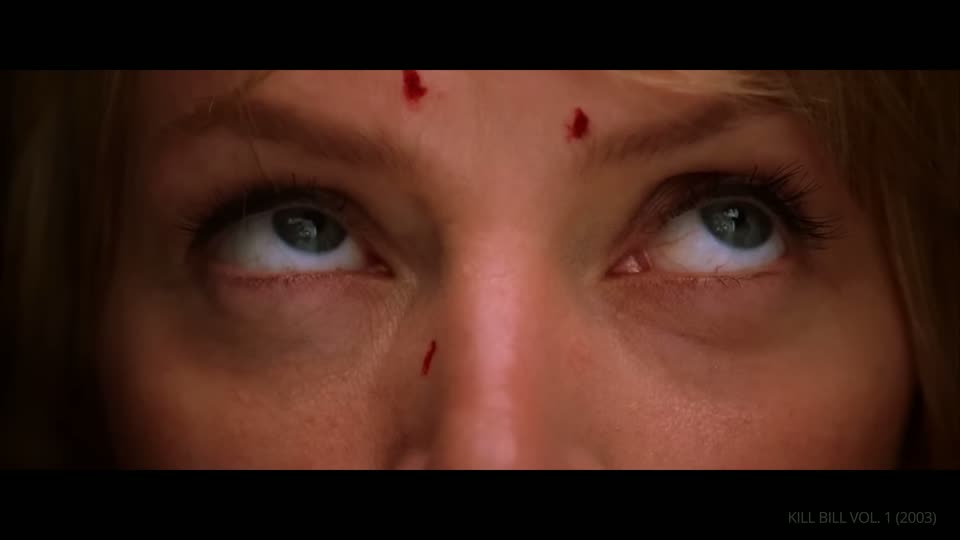
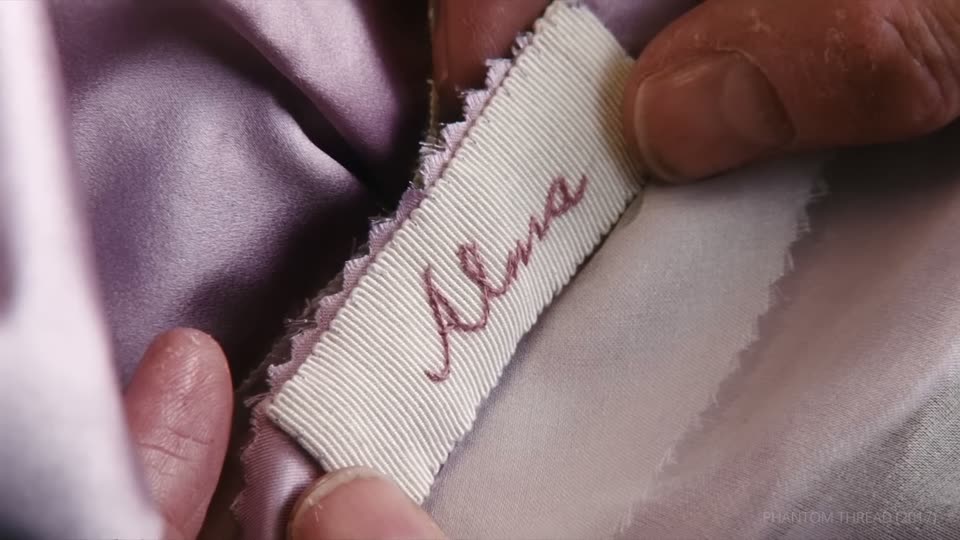
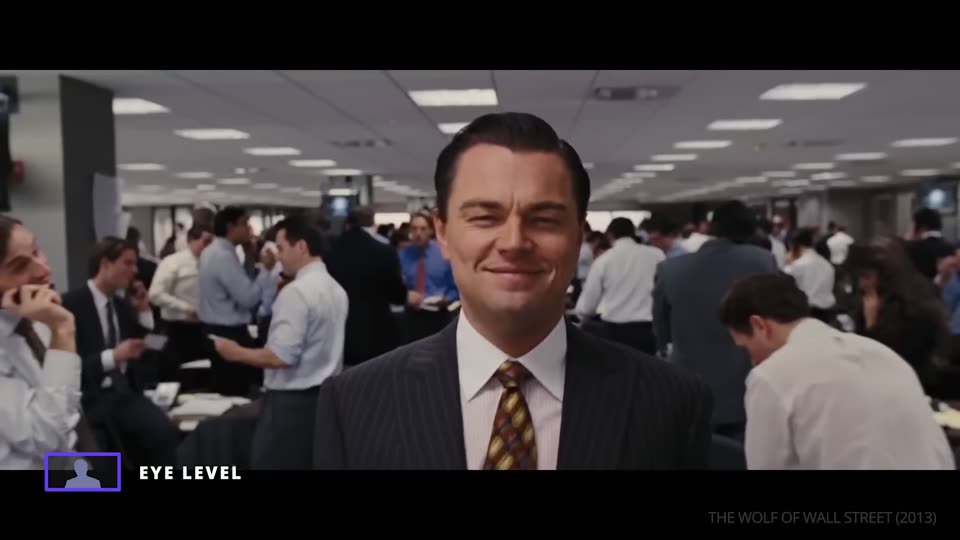
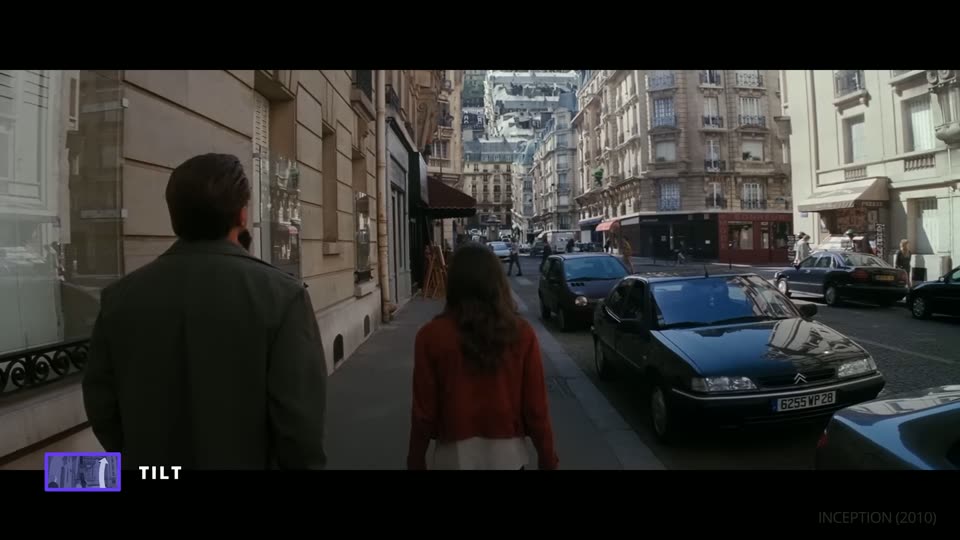
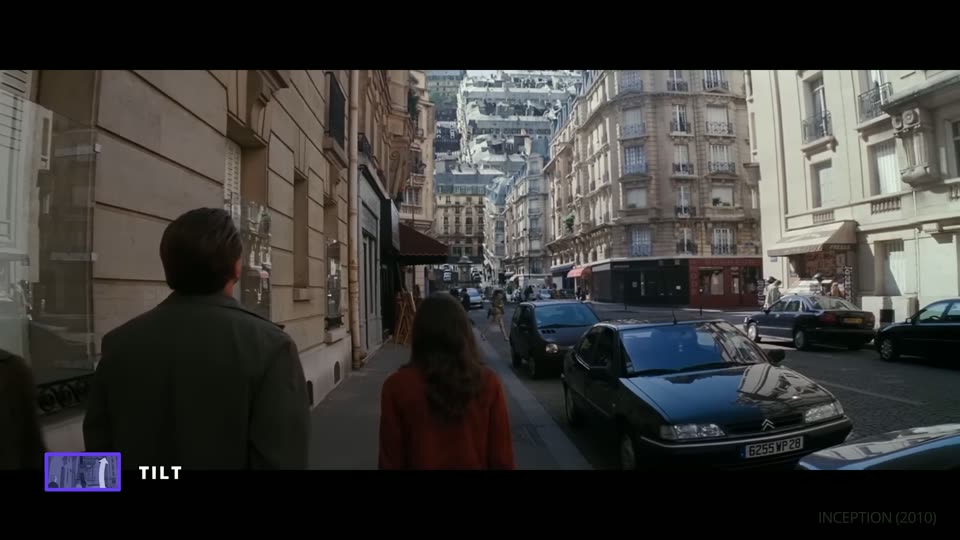
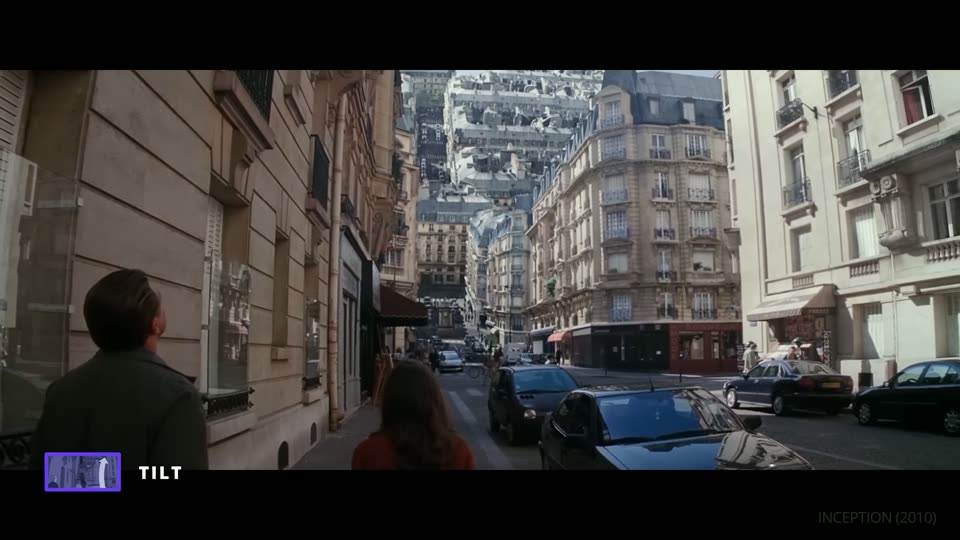
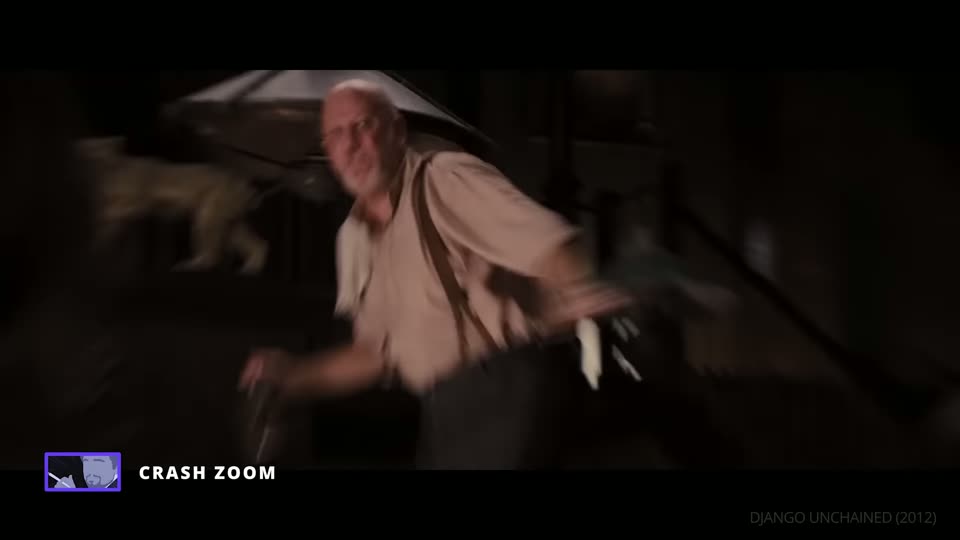
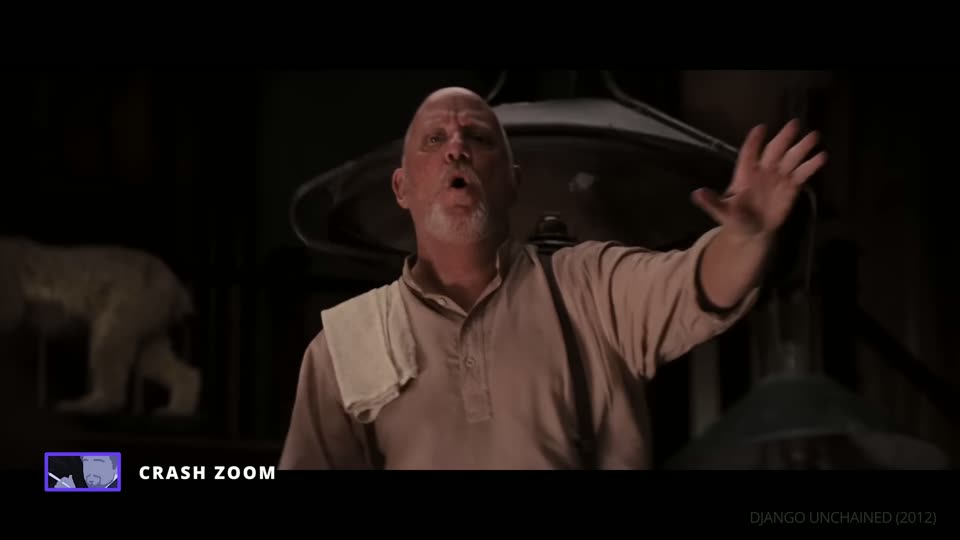
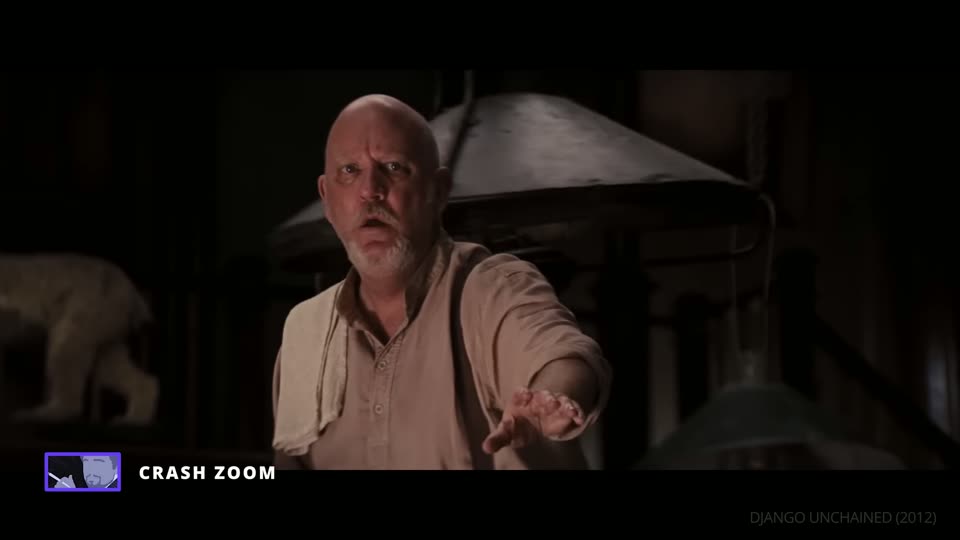
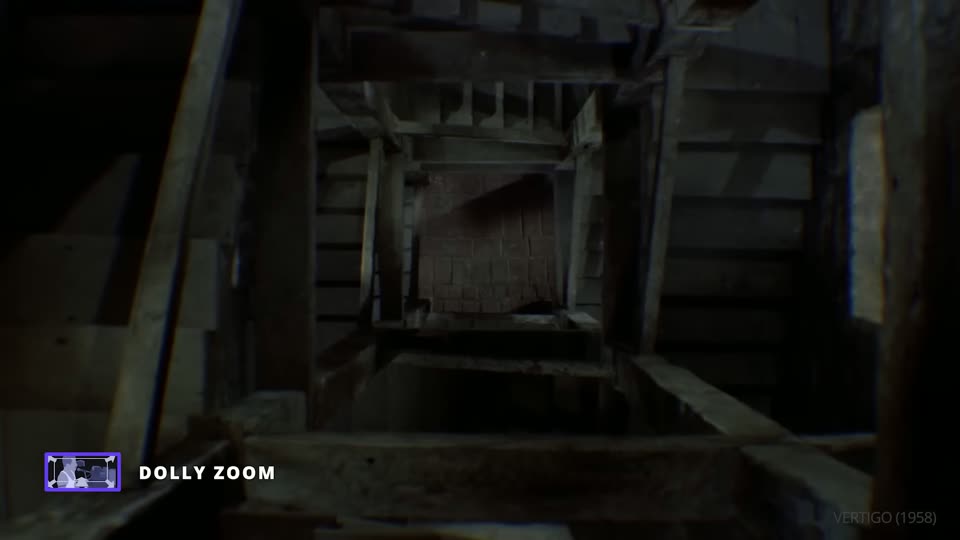
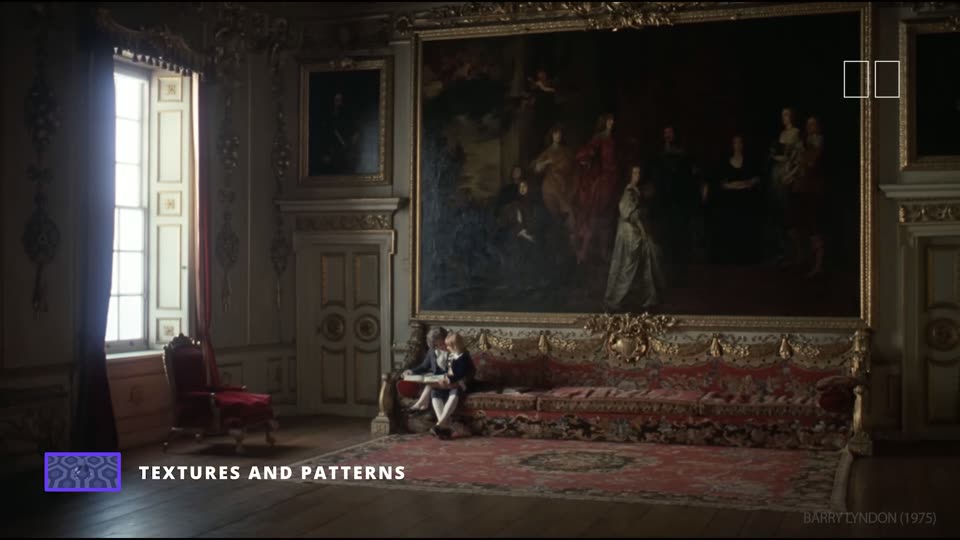
The words the crew will hear on set, and what each frame and move makes the audience feel.
131 terms in 10 groups. The first 4 groups, 53 terms, have frames from StudioBinder videos, a link to the moment in the video, and tags for the feeling each one gives. Camera moves also say what they need on set and what they cost in time. The other groups are short definitions.
The feeling tags are a starting point for choosing angles and moves by mood. Nothing on this page is a decision for Menagerie; the director and the media team choose. For the sizes, angles and moves the treatment uses, phase by phase, see camera language of the film.
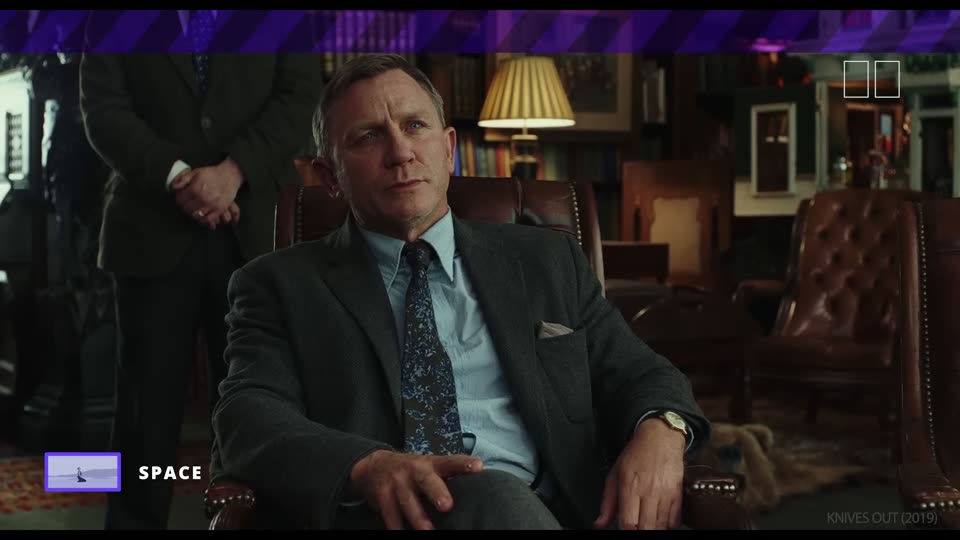
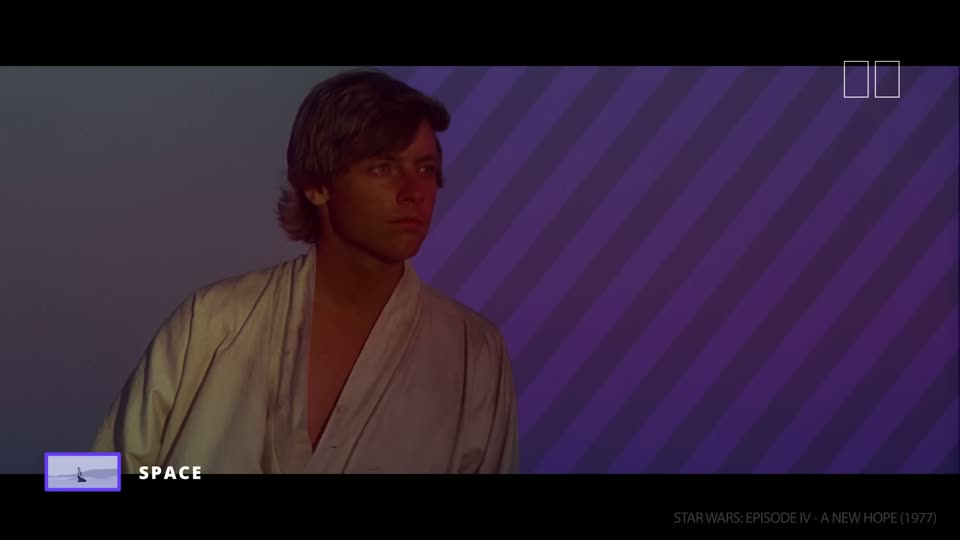
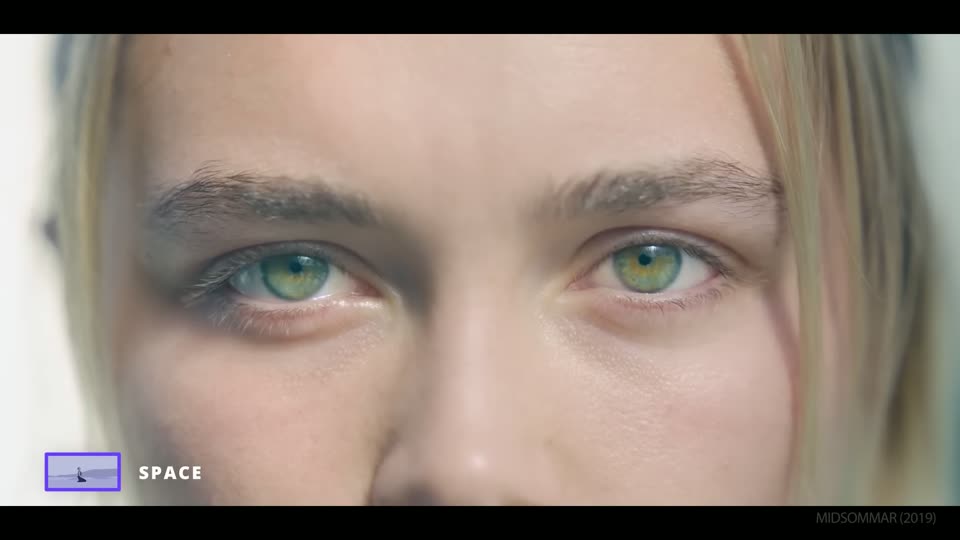
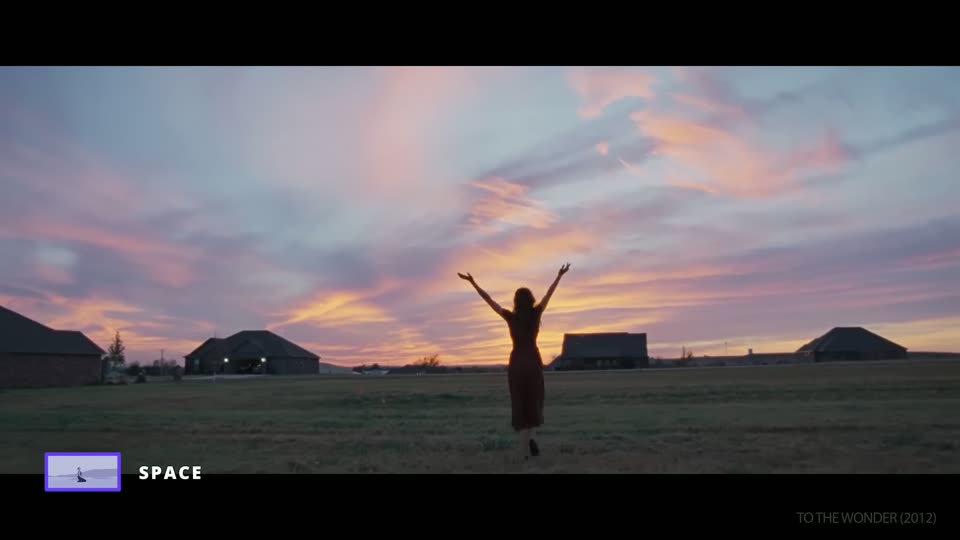
How much of the person and the place the frame holds. The video works from the widest frame down to a single eye. Each step closer gives the audience less world and more feeling. StudioBinder, The Shot List, episode 1 ↗
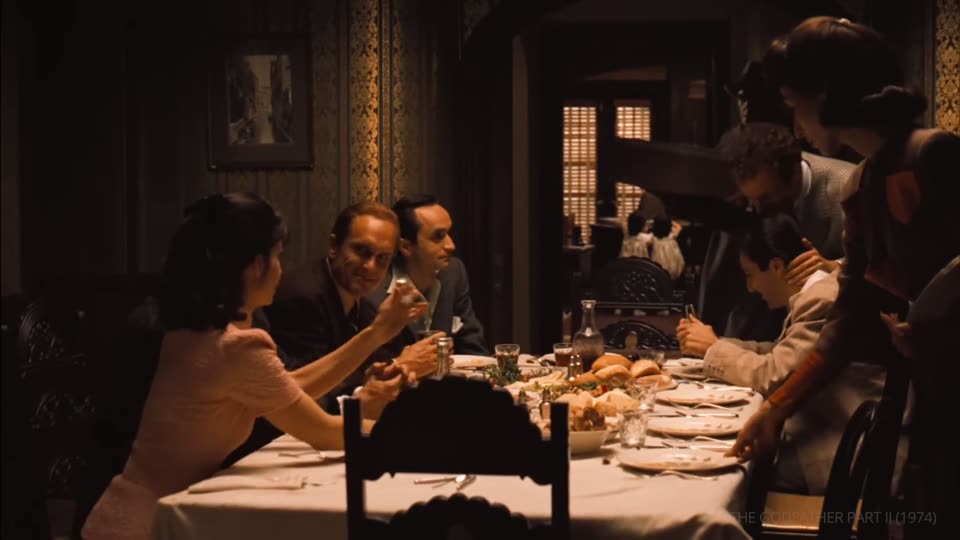
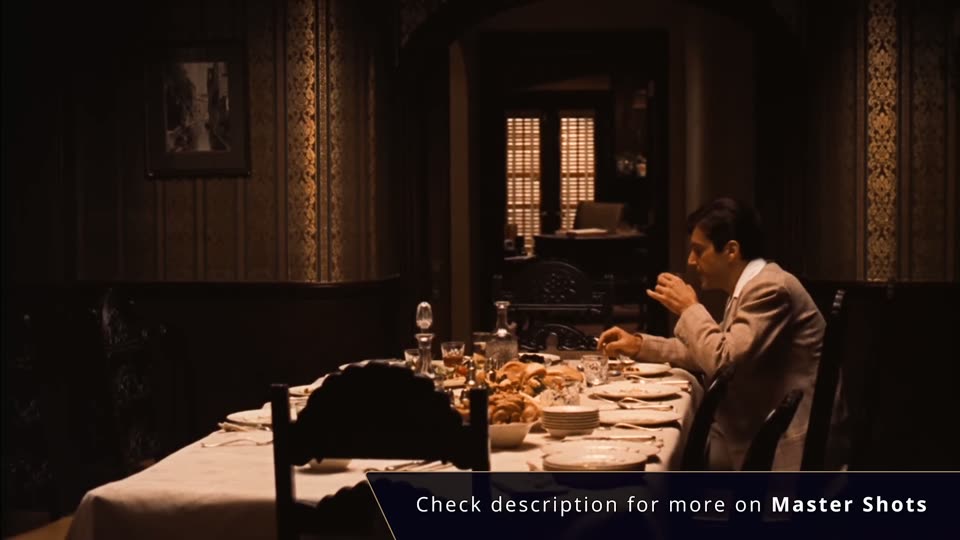
One frame that holds the whole scene and everyone in it, played from start to end. The editor can always cut back to it.
Belonging
Then emptiness
In the video
The family fills the dinner table. After Michael says he has joined the Marines, the same frame holds him alone at the table, and the empty chairs do the talking.
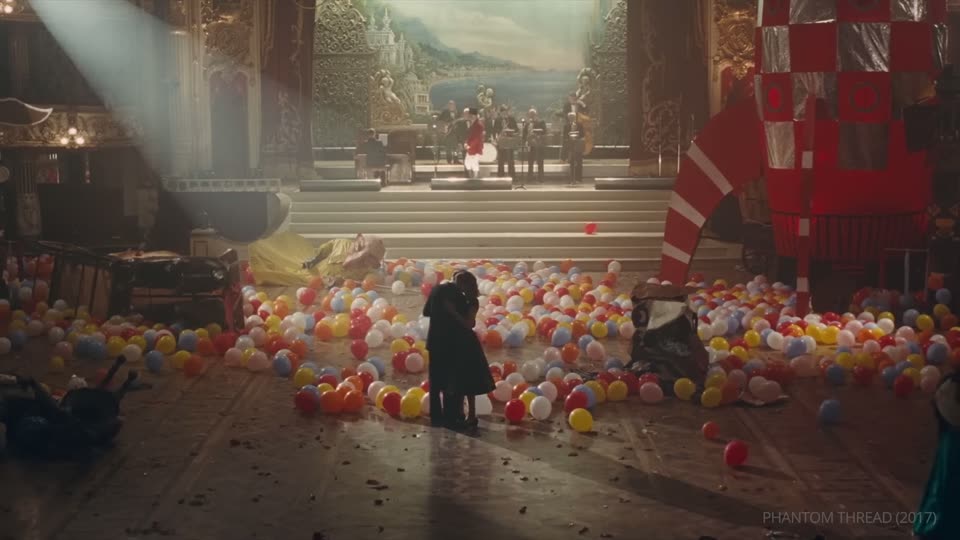
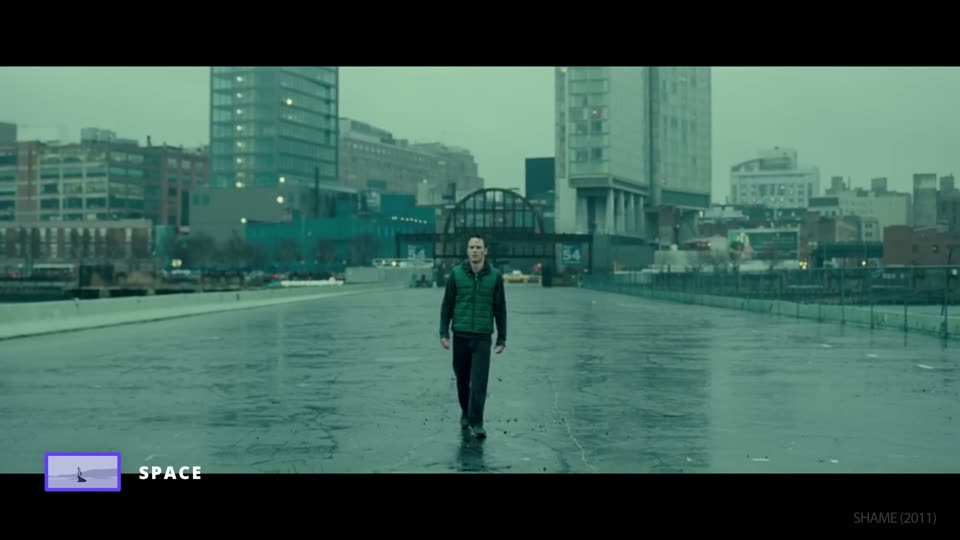
The person stands far from the camera. Unlike the establishing shot, it is about how big the person is in the place, not about the place.
Lost
Lonely
Overwhelmed
In the video
Alma and Reynolds stand small in a ballroom full of fallen balloons. The film ends the scene wide, not on their faces, so they are together and cut off from everyone else.
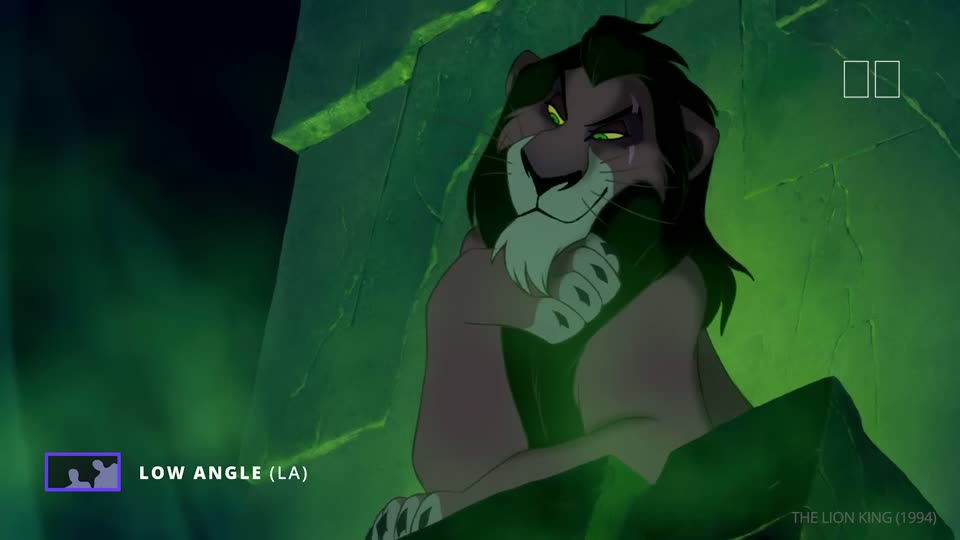
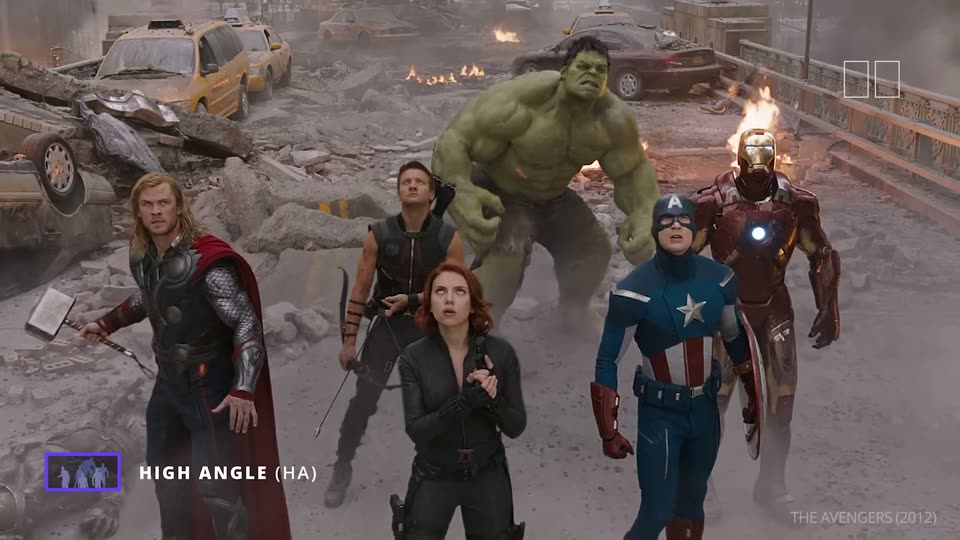
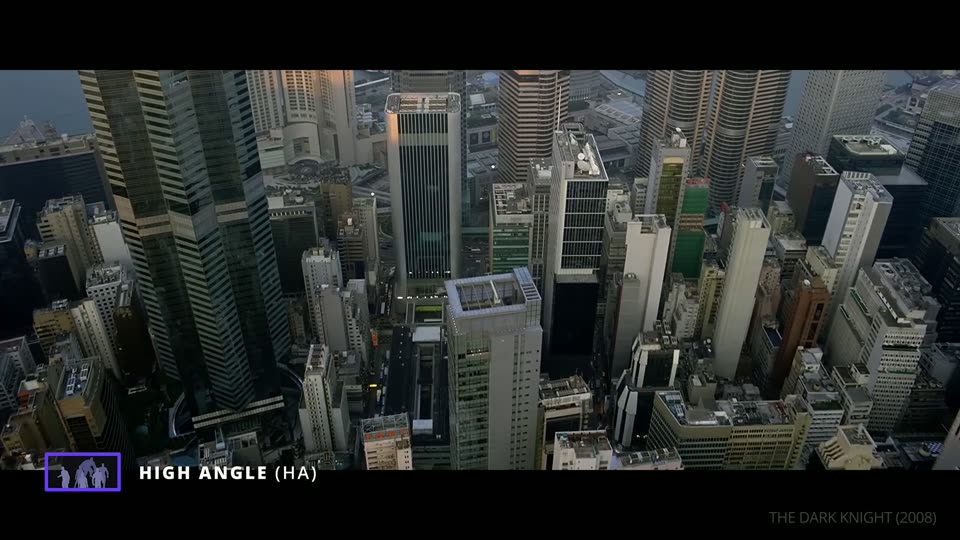
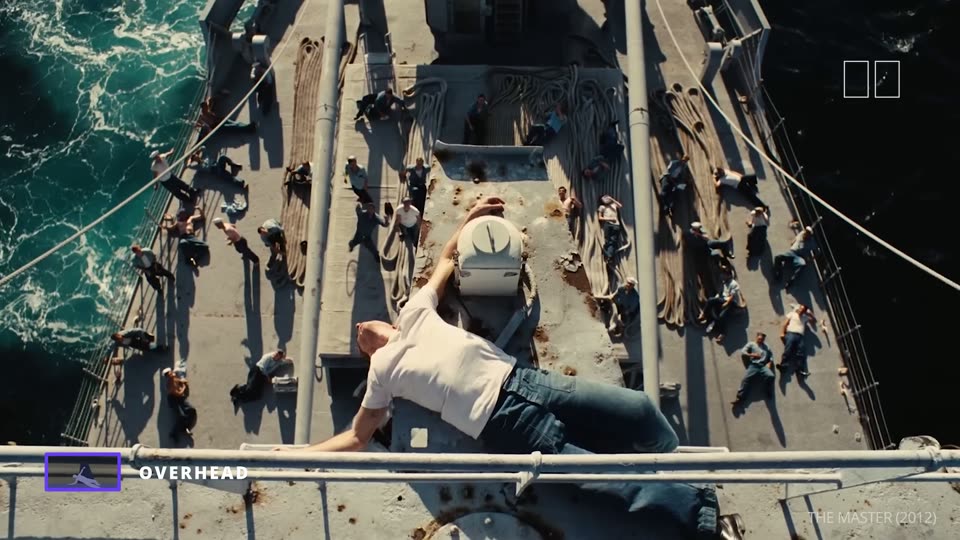
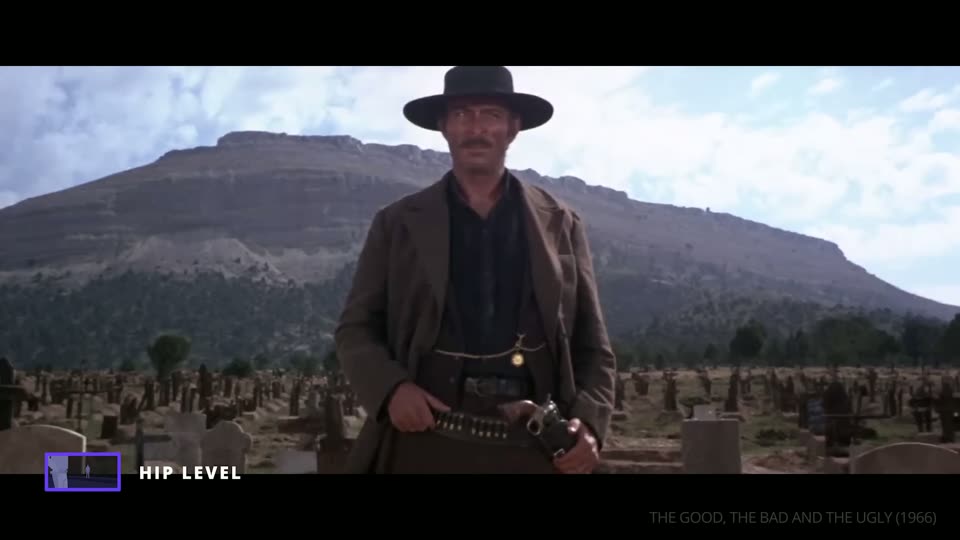
How high the camera sits and which way it points. Shot size decides what we see; the angle decides how we judge it. The same face looks strong from below, small from above and equal at eye level. StudioBinder, The Shot List, episode 3 ↗
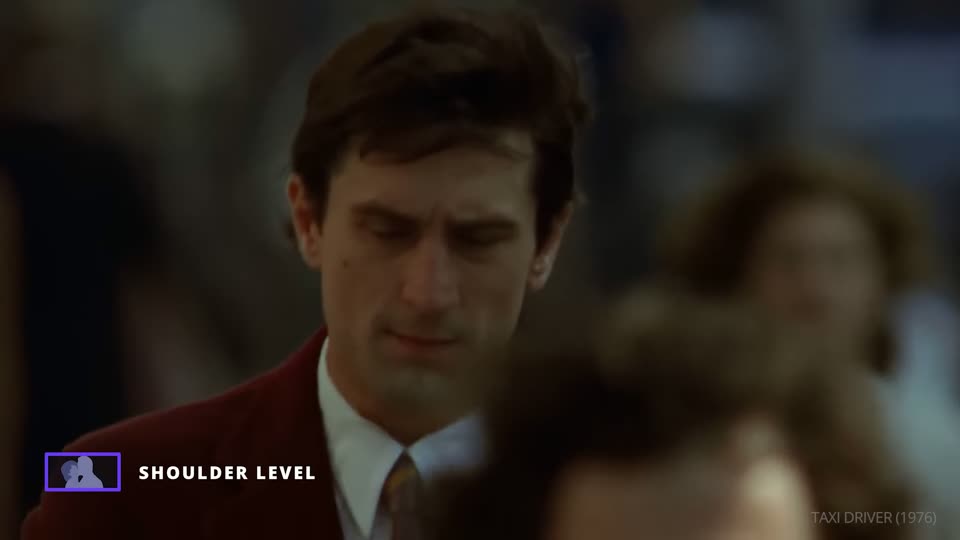
The camera is a little below the eyes, at shoulder height. It gives a slight low angle without its weight, and it is the usual height for over-the-shoulder shots in a conversation.
Natural
Slight strength
Conversation
In the video
Travis Bickle is framed from just below his eyes. He looks a little larger than at eye level, but the frame does not judge him.
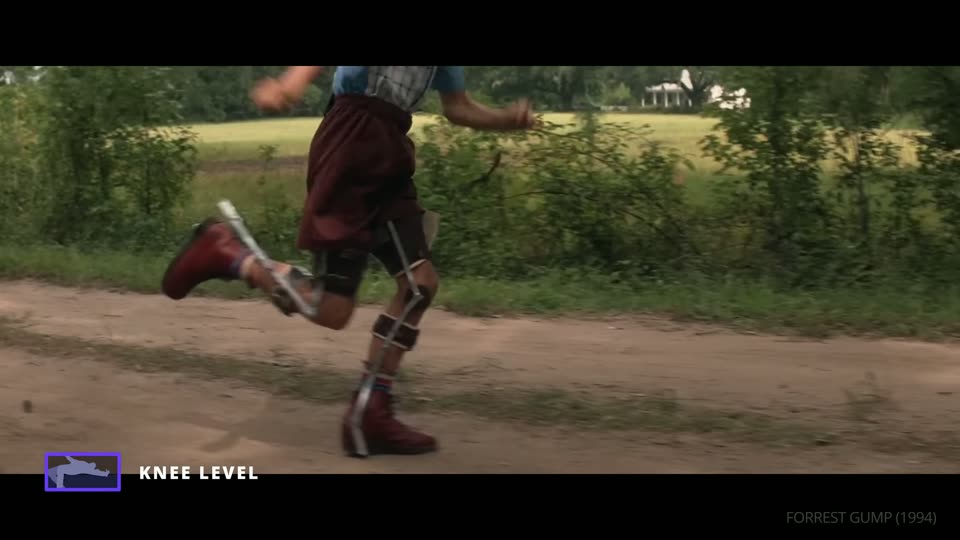
The camera is at the person's knees. It often works as a low angle too, and it is a good height to follow someone or to show details a wide shot would miss.
Momentum
Detail
Triumph
In the video
As Forrest breaks out of his leg braces and runs, the knee-level camera keeps us right beside his legs.
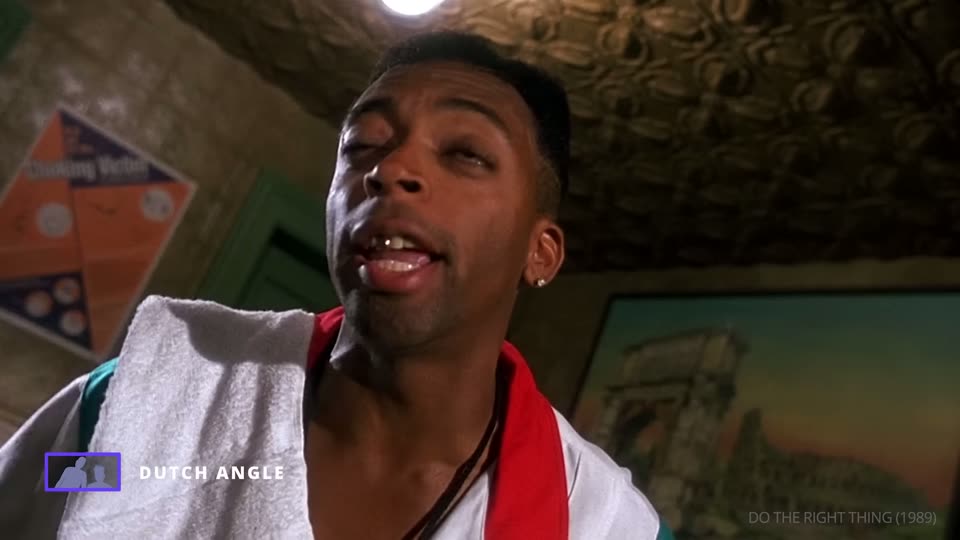
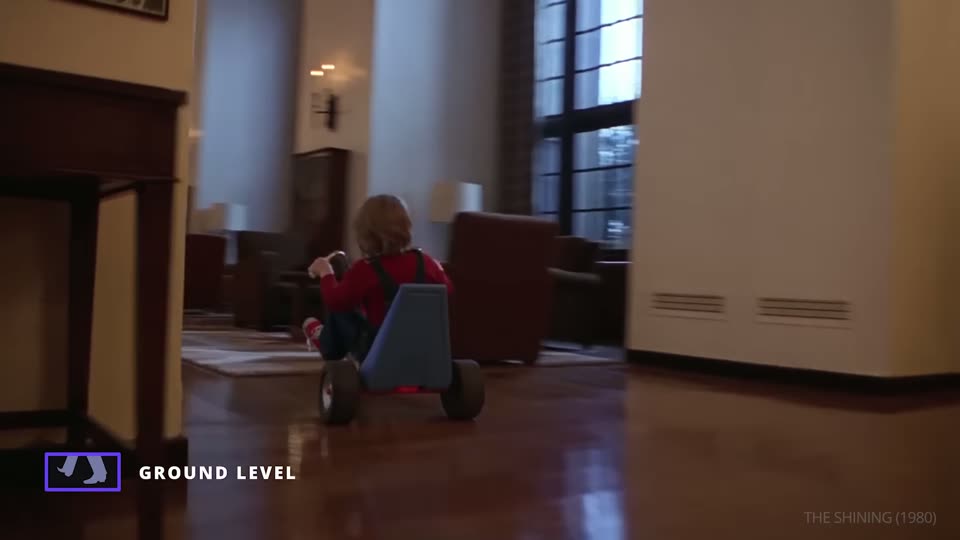
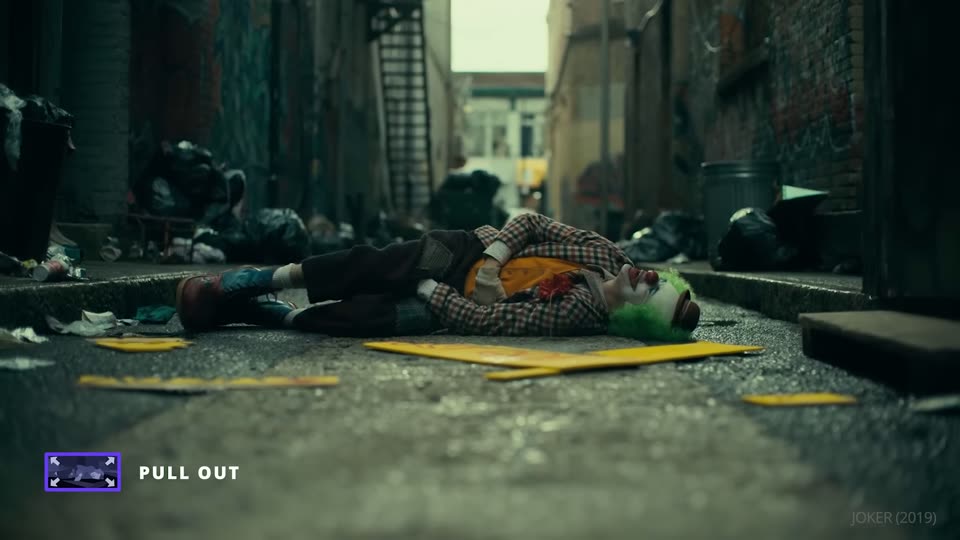
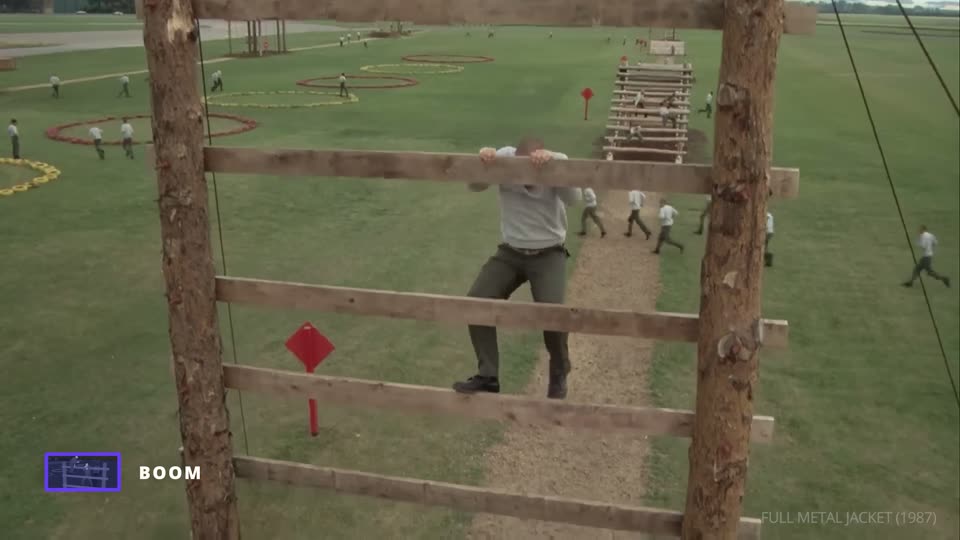
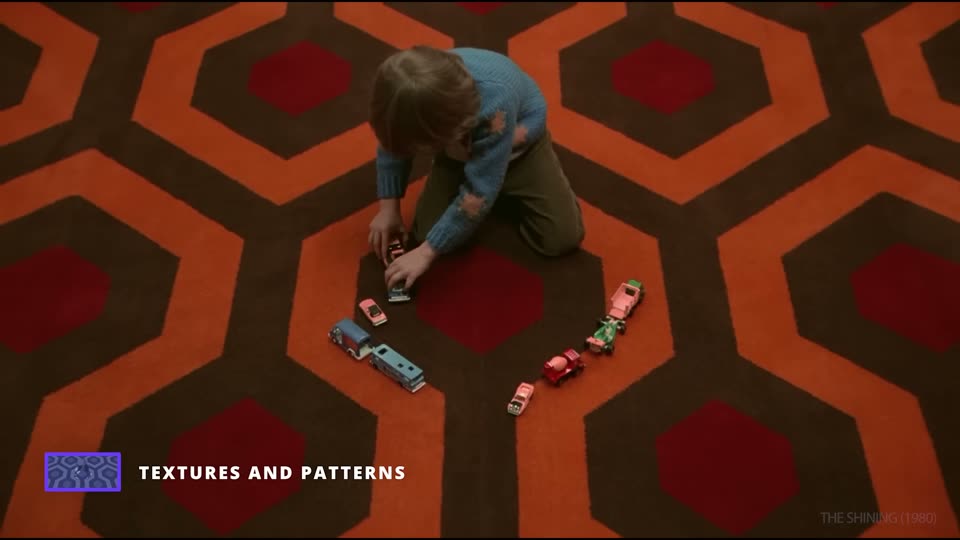
The camera sits on the floor, or even lower. With any upward tilt it is also a low angle.
Stylish
Following
Haunting
In the video
The camera glides along the floor behind Danny's tricycle, over the carpet pattern of the hotel corridors.
Camera movement
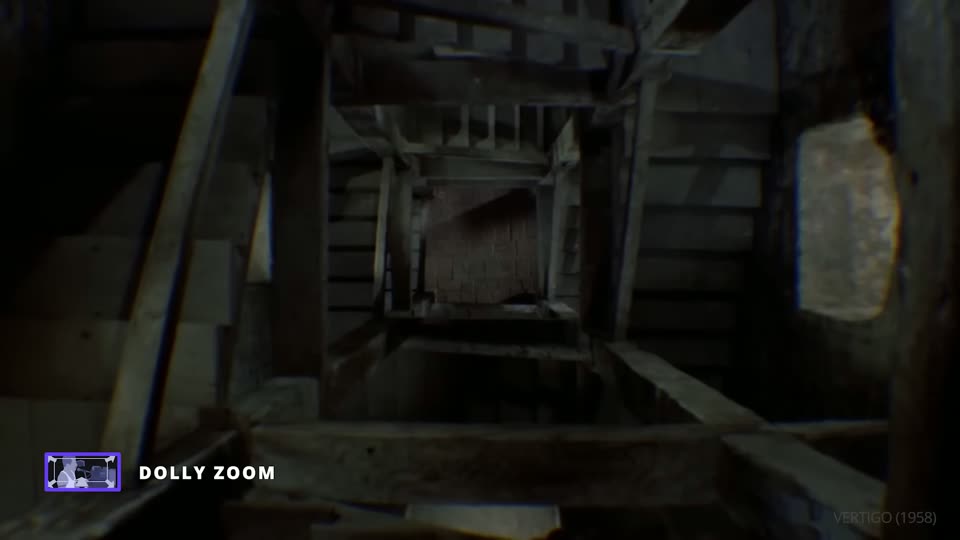
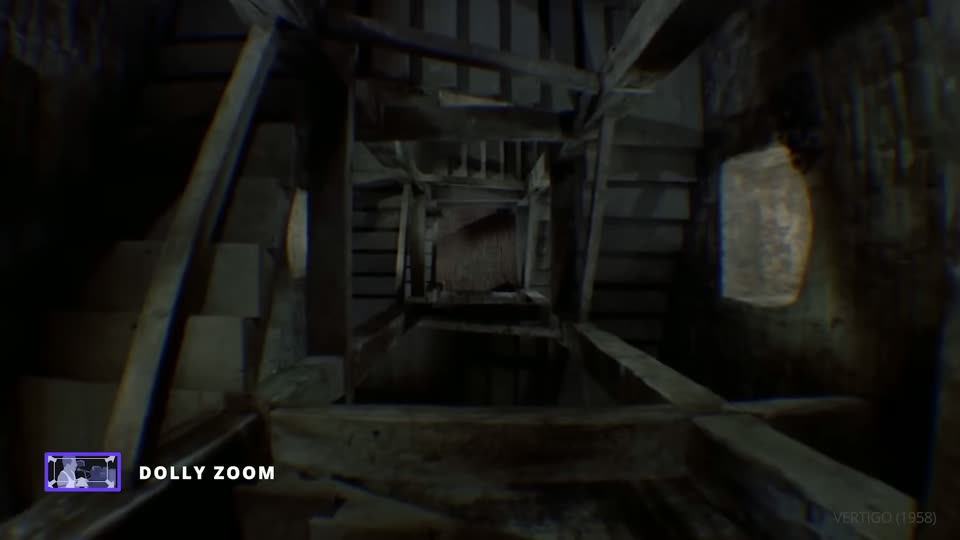
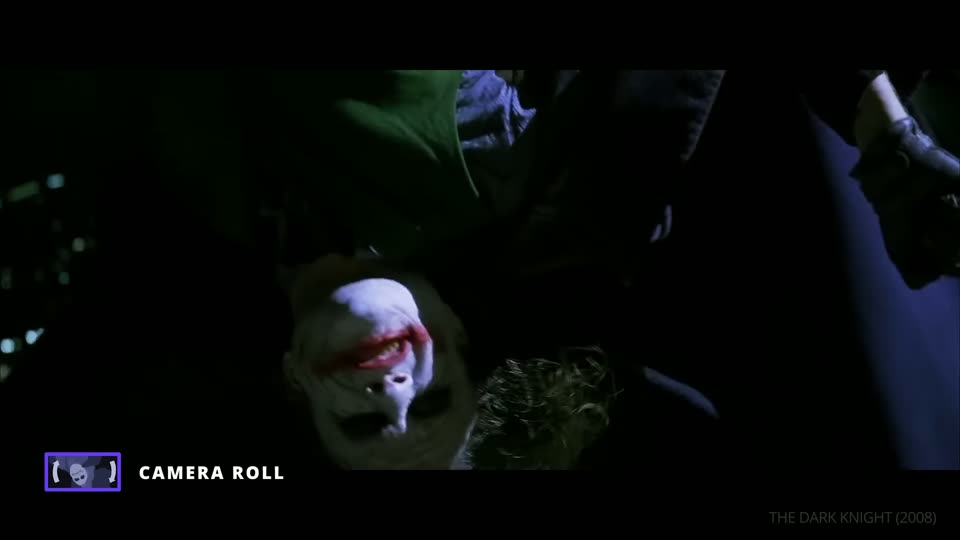
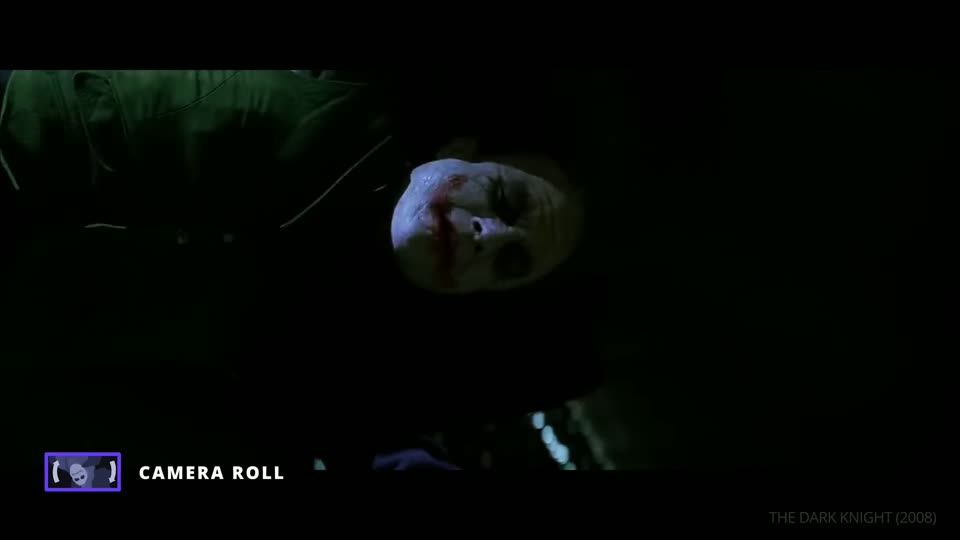
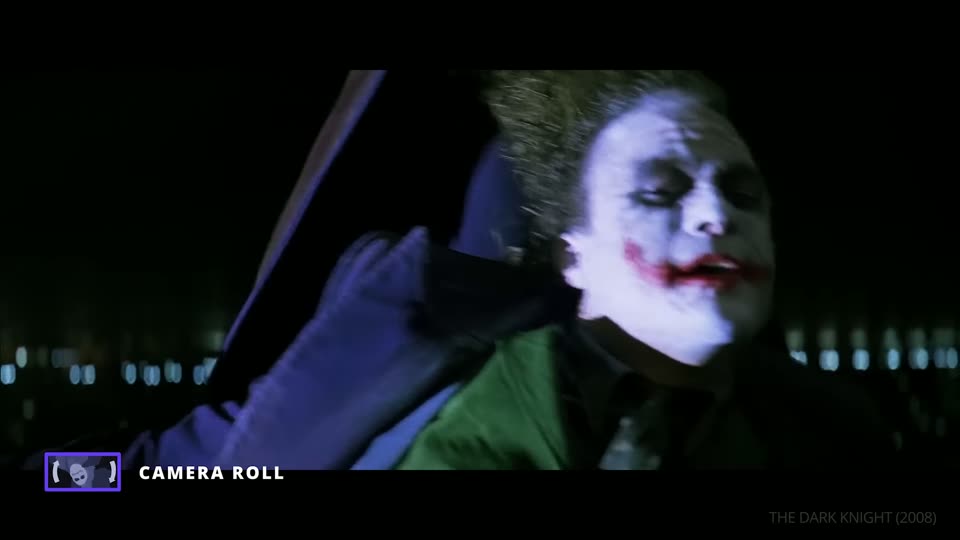
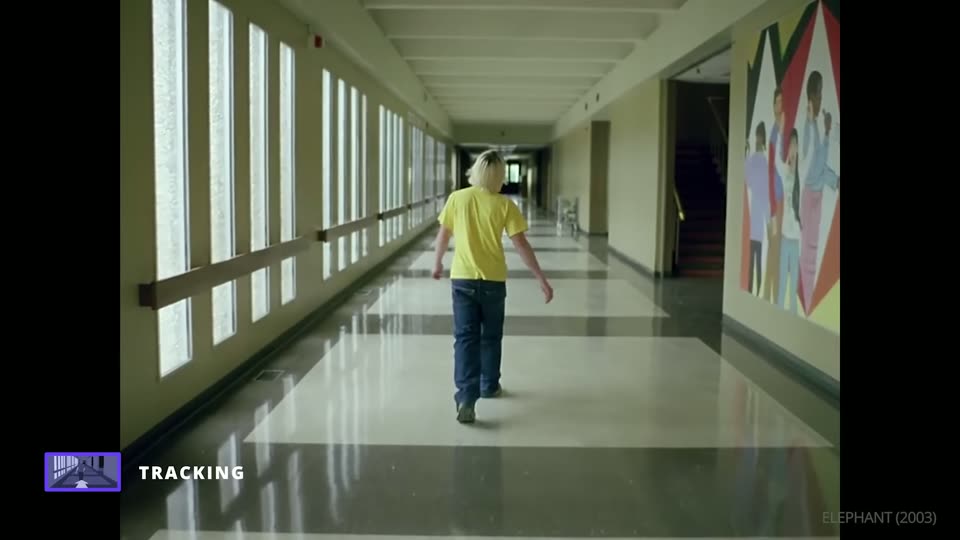
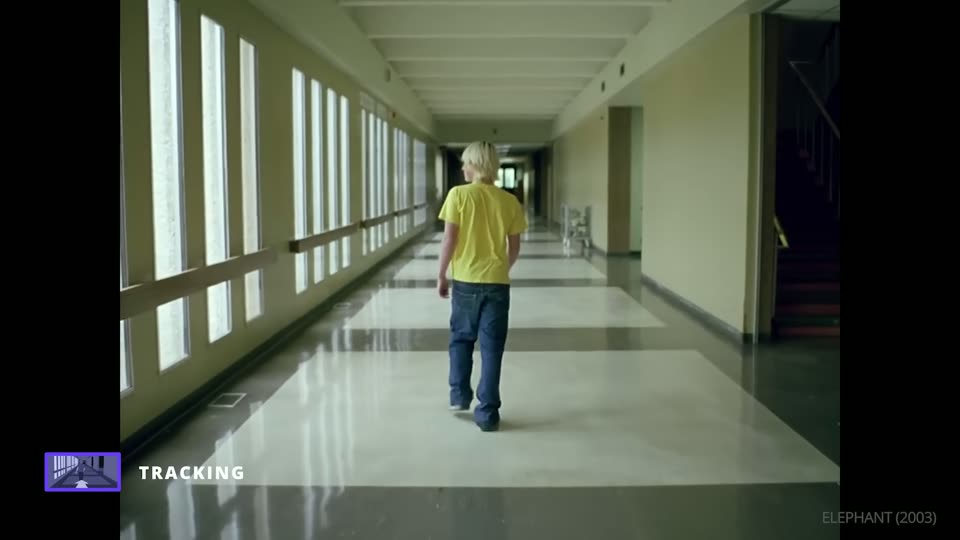
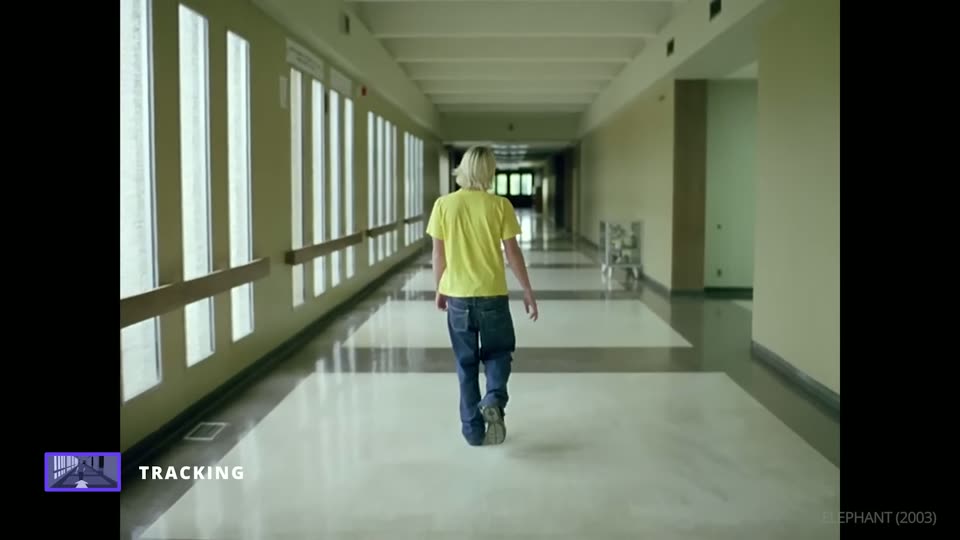
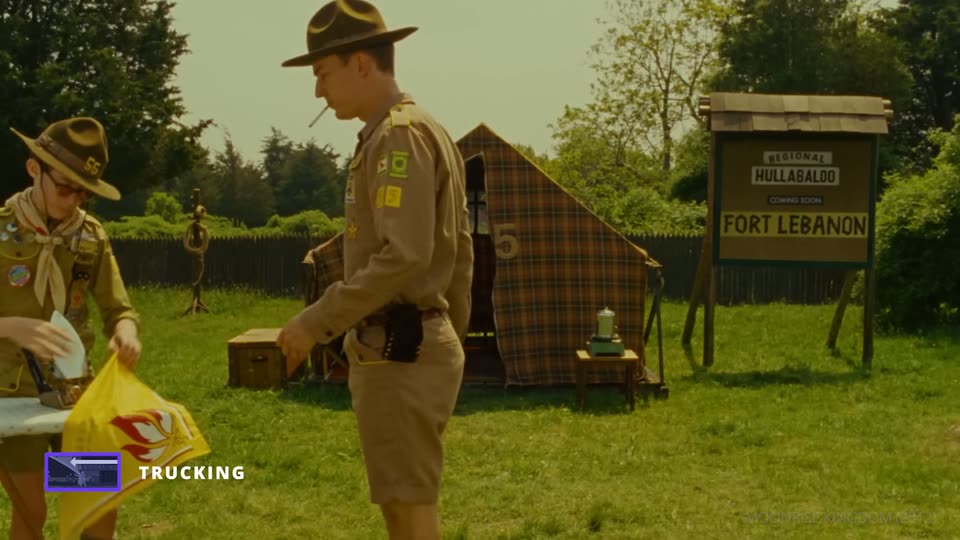
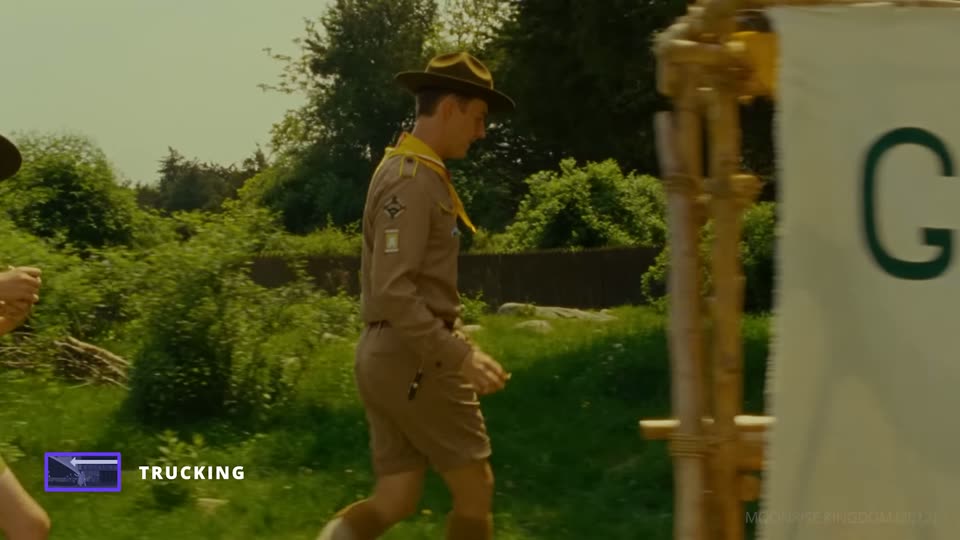
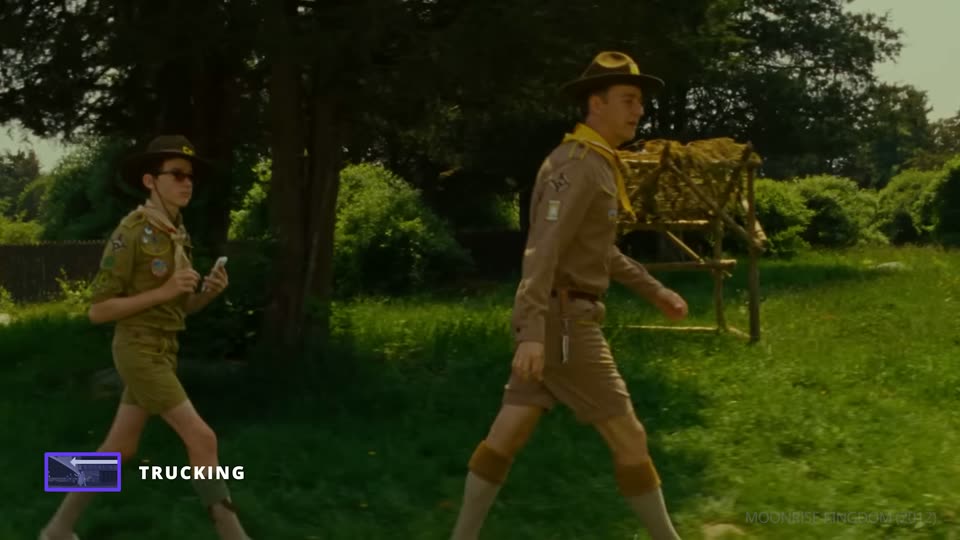
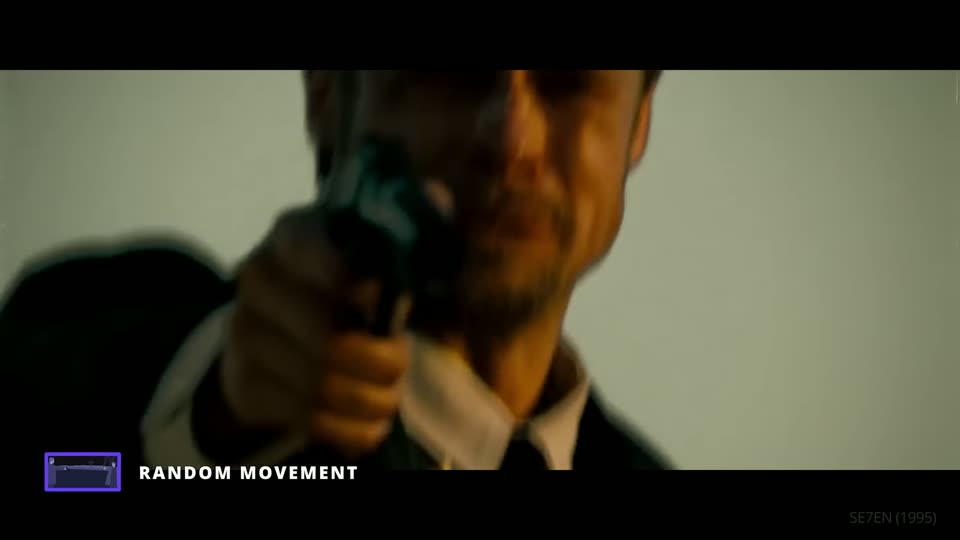
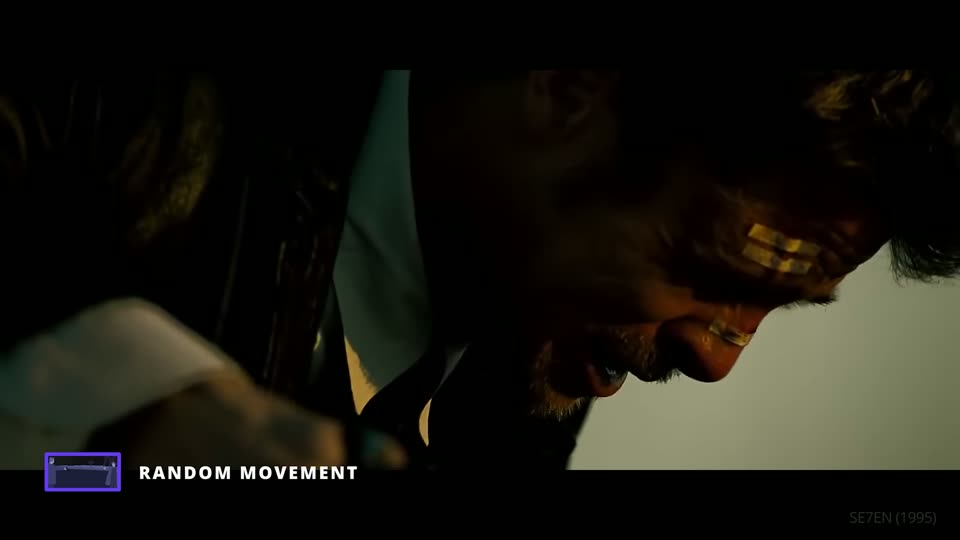
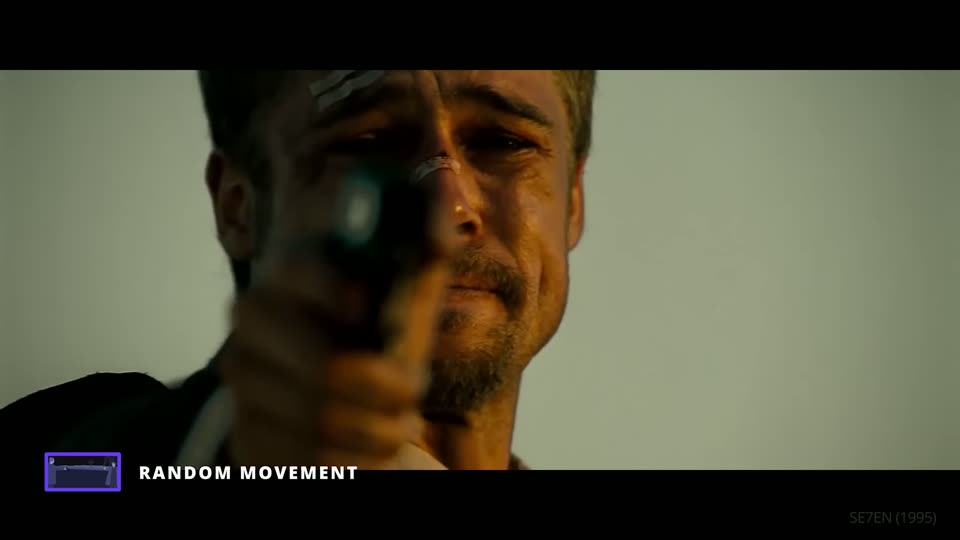
What the camera does during the shot. The three frames under each movement are its start, middle and end. The video's last point is that the best movement is the one with a reason. StudioBinder, The Shot List, episode 6 ↗
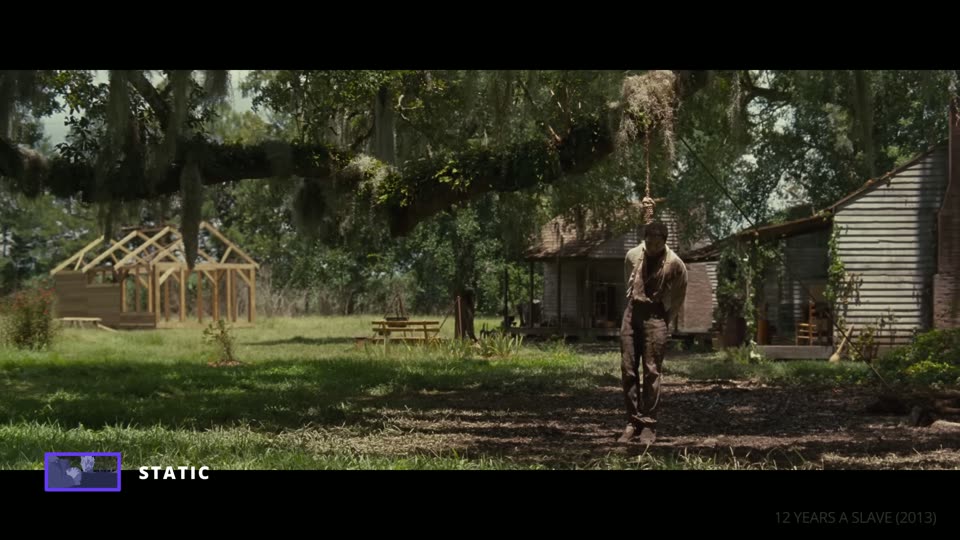
The camera is locked on a tripod and does not move at all.
Inspection
Trapped
No escape
In the video
The frame holds on Solomon, hanging from a tree, while life goes on behind him. A moving camera would share his panic. The still one is cold, and we cannot look away.
On set
Tripod. The fastest set-up, and the fewest failed takes.
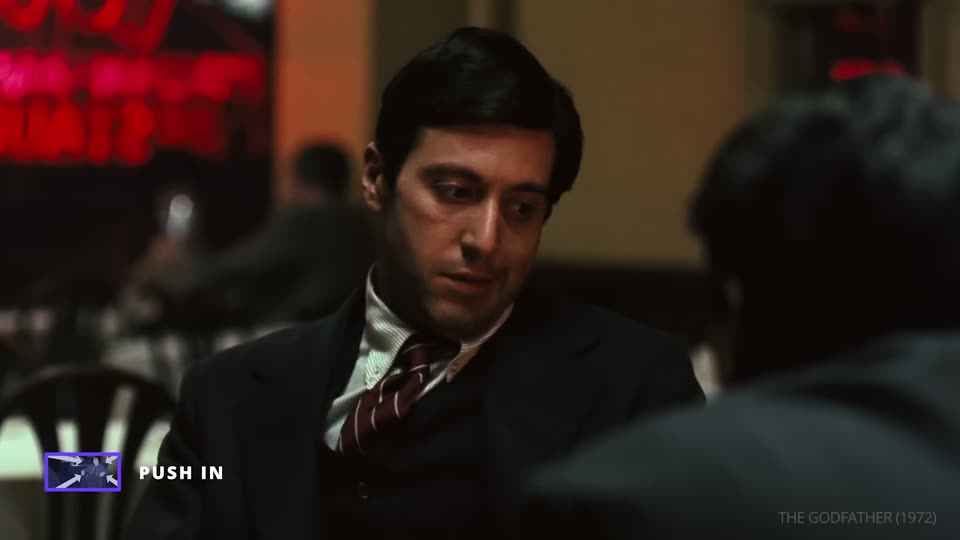
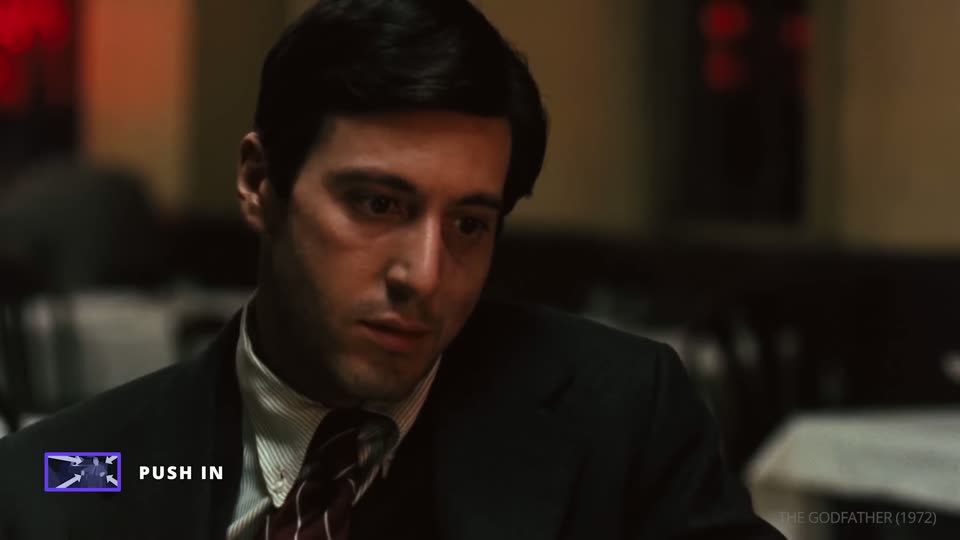
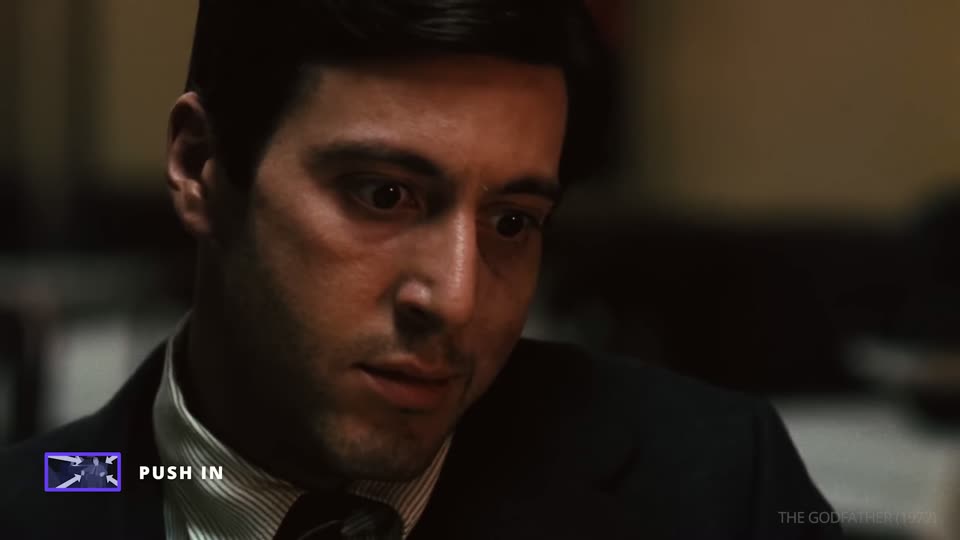
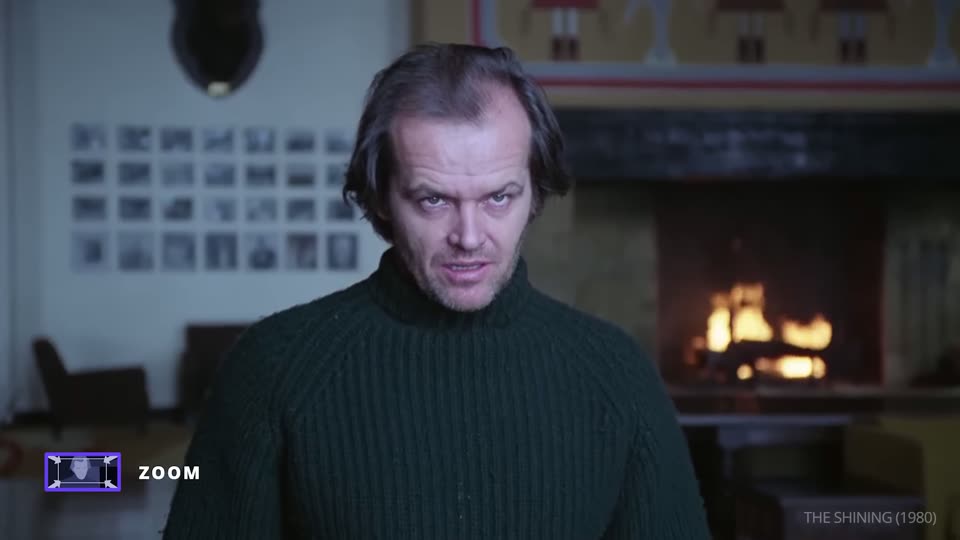
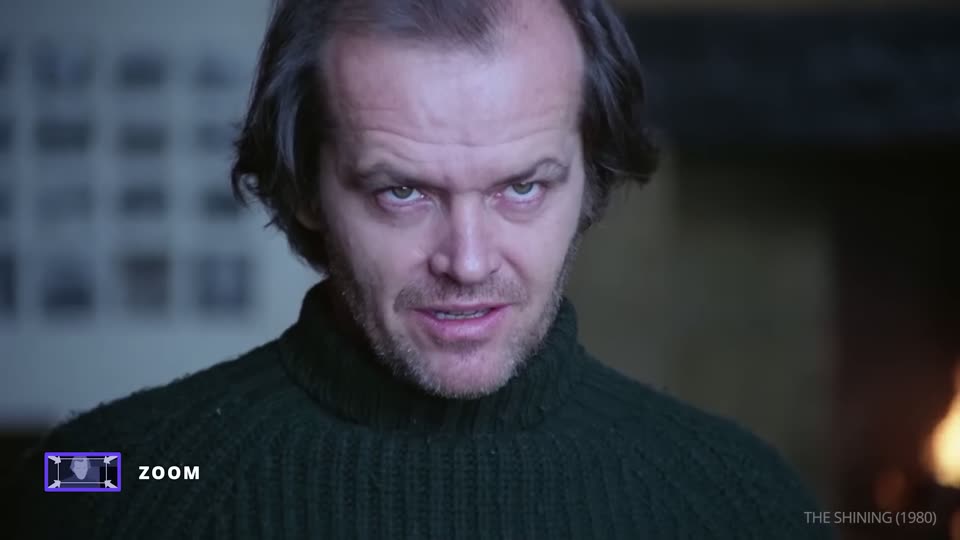
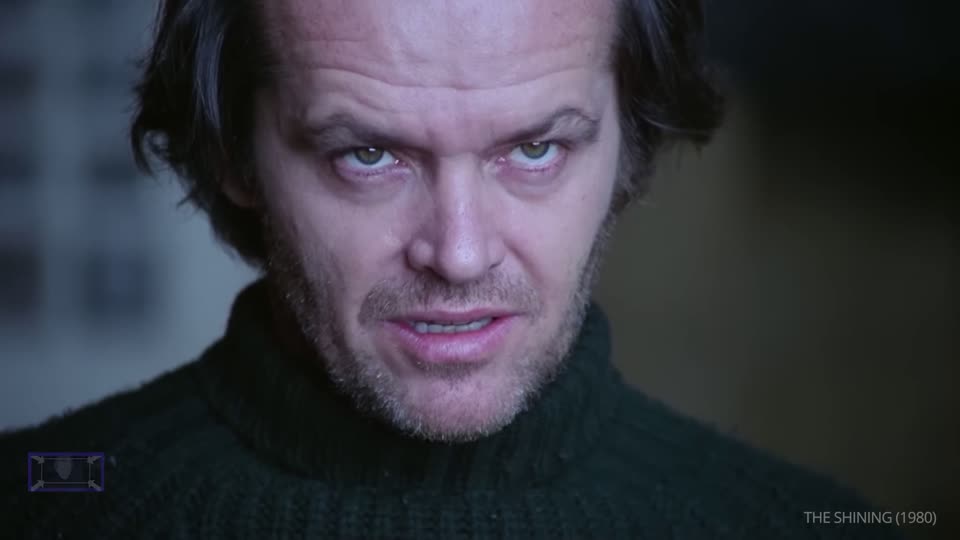
The camera moves toward the person. It tells the audience this moment matters, or that the character is thinking hard.
Tension
Inner conflict
In the video
Before Michael shoots in the restaurant, the camera moves slowly toward him while he gathers the courage.
On set
Slider, dolly or gimbal on set. It can also be made in the edit by cropping in on a high-resolution file, which costs no time on set but reads as the frame tightening, not as someone walking closer.
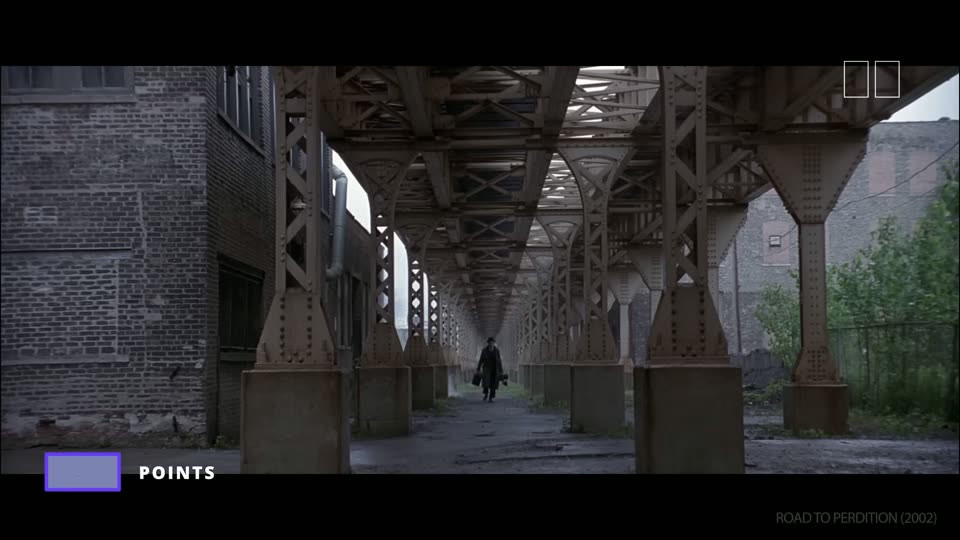
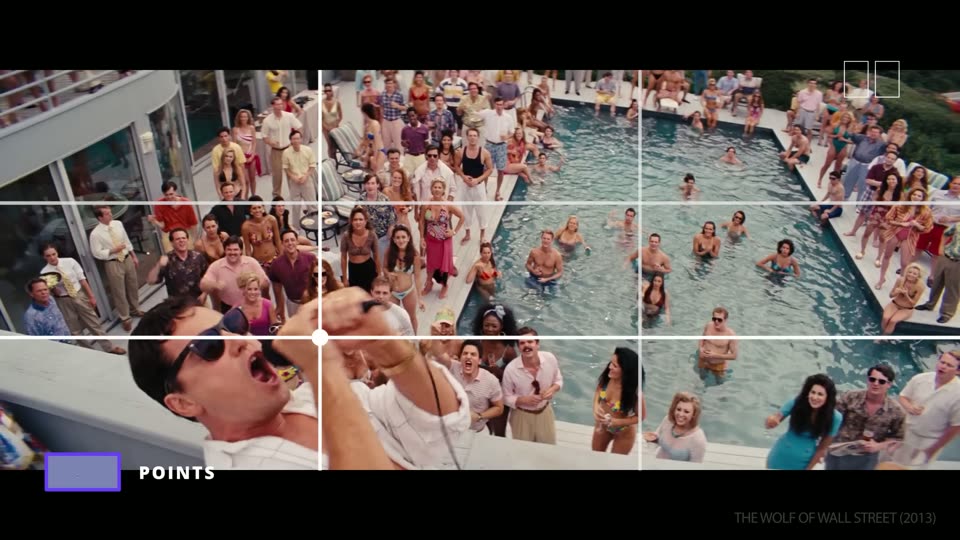
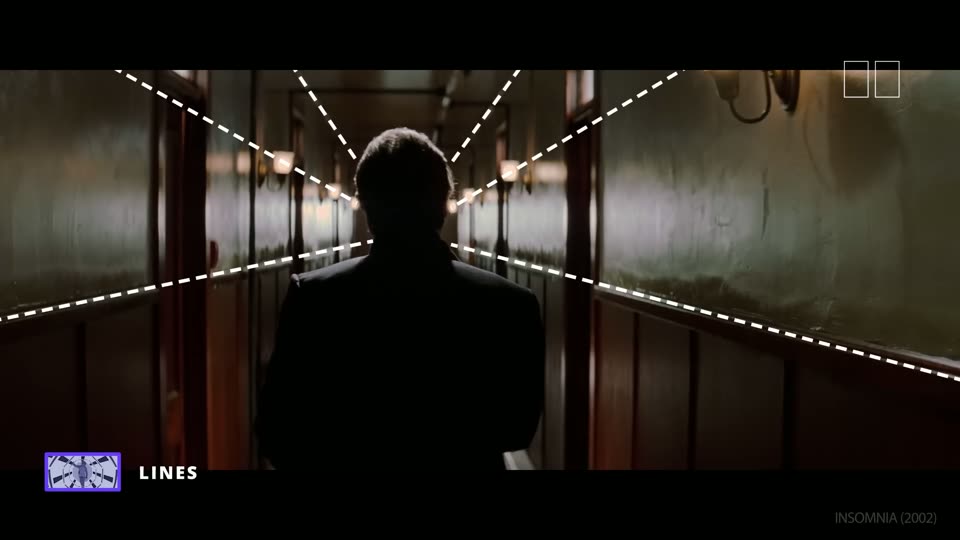
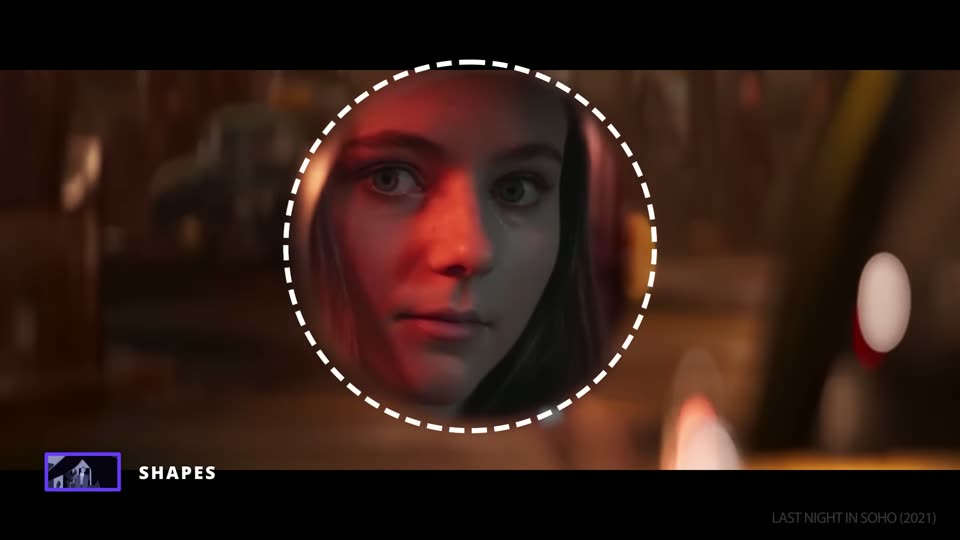
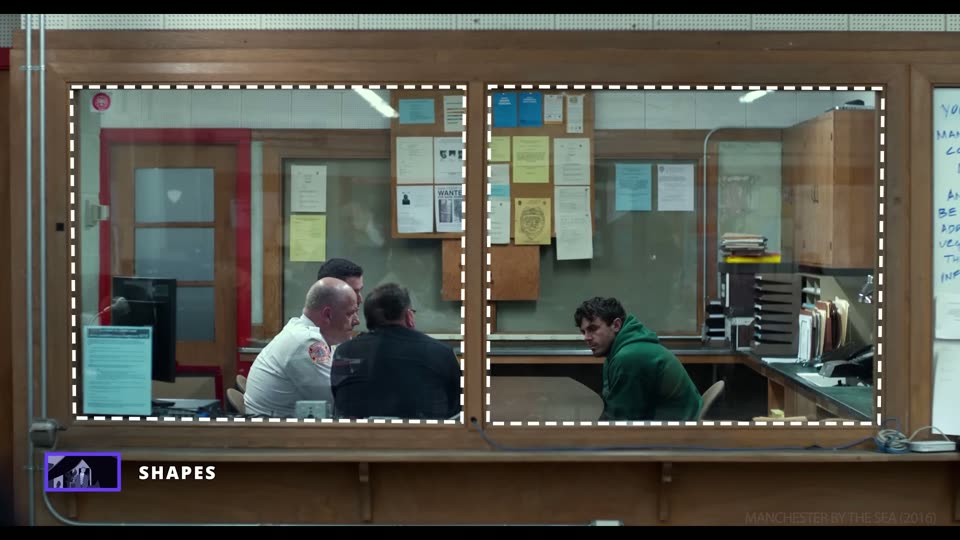
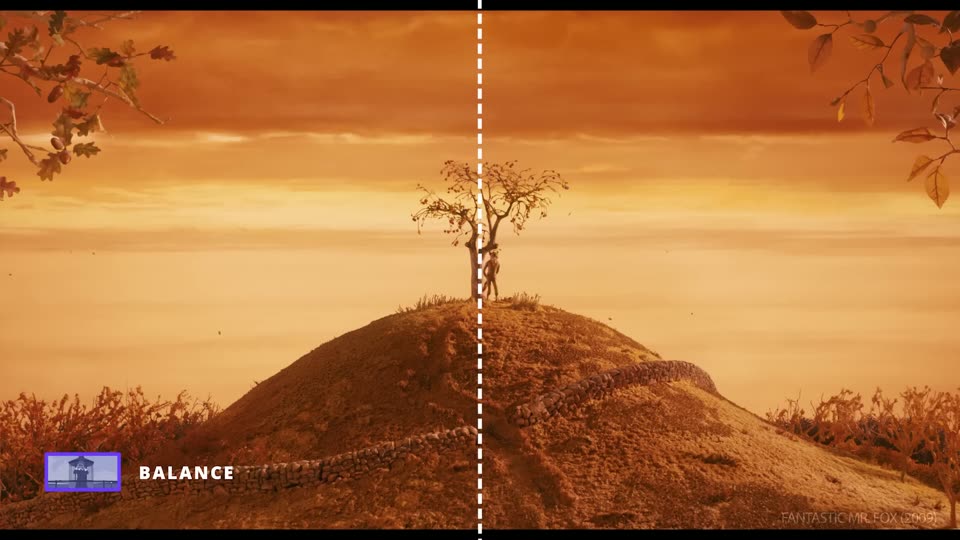
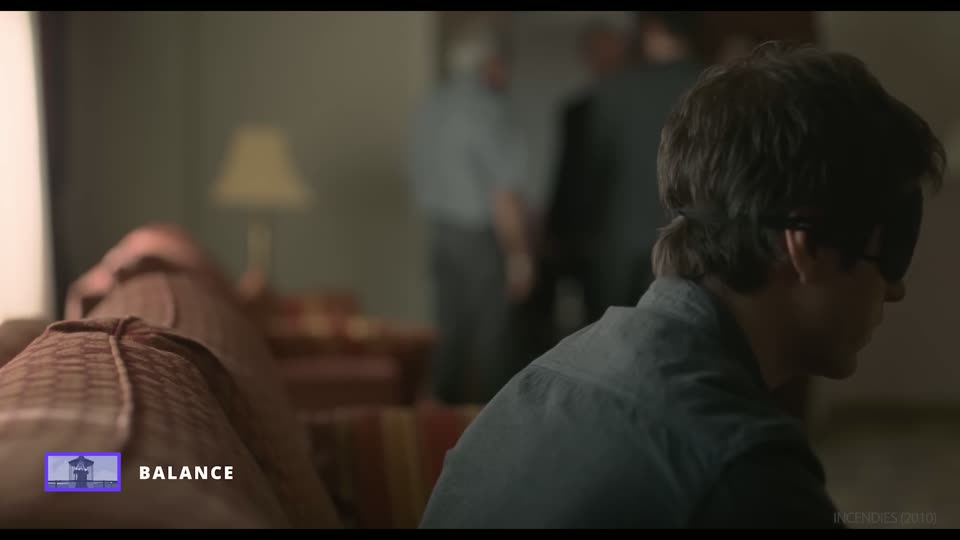
Where things sit inside the frame, and what that does to the eye. Some frames carry StudioBinder's drawn guides, such as the thirds grid or the leading lines. StudioBinder, The Shot List, episode 11 ↗
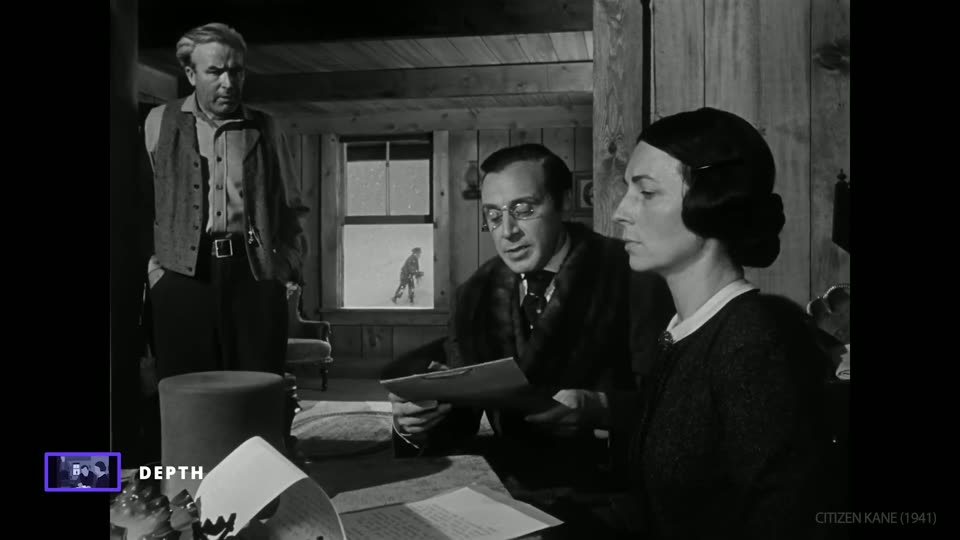
Front, middle and back of the frame all sharp. Each layer can carry its own part of the story.
Hierarchy
Power
In the video
The video reads the three layers as power. The mother in front signs Charles away, the father stands at the back with no say, and young Charles plays in the snow through the window.
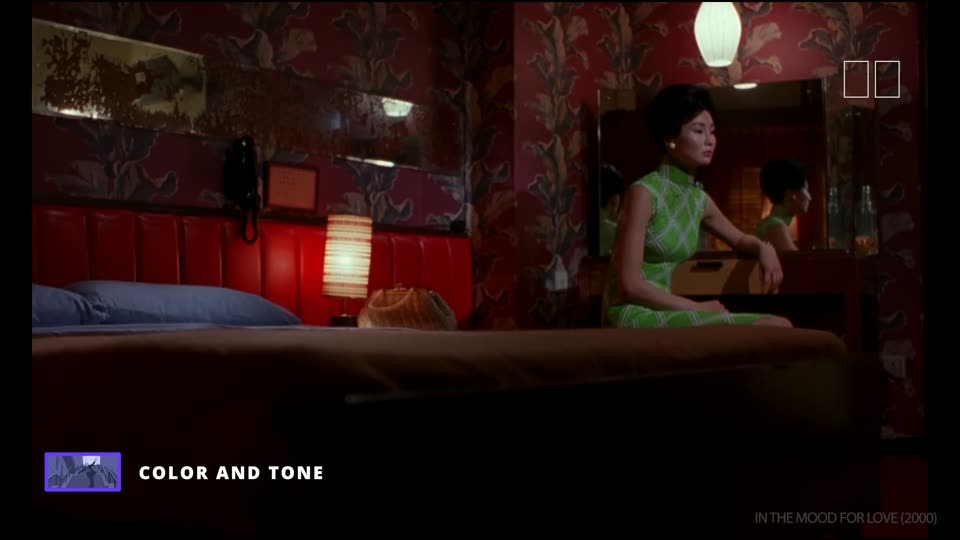
The lens decides how wide the view is, how deep the space looks and what is sharp. The millimetres below are for a full-frame camera such as the Sony A1 II.
Focal length mm
The number on the lens, in millimetres. A small number sees wide; a big number sees narrow and close.
Wide lens
About 14 to 35 mm. Shows more of the room. Close to a face, it stretches the features. It also shows more of the set, so it can show where the set ends.
Normal lens
About 40 to 55 mm. Close to how the human eye sees. Feels honest and plain.
Telephoto, or long lens
85 mm and up. Flattens space, makes the background look closer and softer, and suits faces. Feels like watching from a distance.
Prime and zoom lenses
A prime lens has one focal length and is usually brighter and sharper. A zoom lens covers a range, such as 24 to 70 mm.
Aperture, or f-stop f/
The opening inside the lens. A low number such as f/1.8 lets in more light and blurs the background. A high number such as f/8 keeps more of the picture sharp.
Depth of field
How much of the picture, from near to far, is sharp. Shallow depth of field keeps only the person sharp; deep depth of field keeps everything sharp. See Deep focus and Rack focus under Composition.
Focus pull
Changing the focus during a shot, for example from a face to a hand. On a film set the first assistant camera, or focus puller, does it.
Full frame and crop
Full frame is a sensor the size of 35 mm film. A smaller sensor, or a crop mode, makes every lens look tighter, by about 1.5 times for APS-C or Super 35.
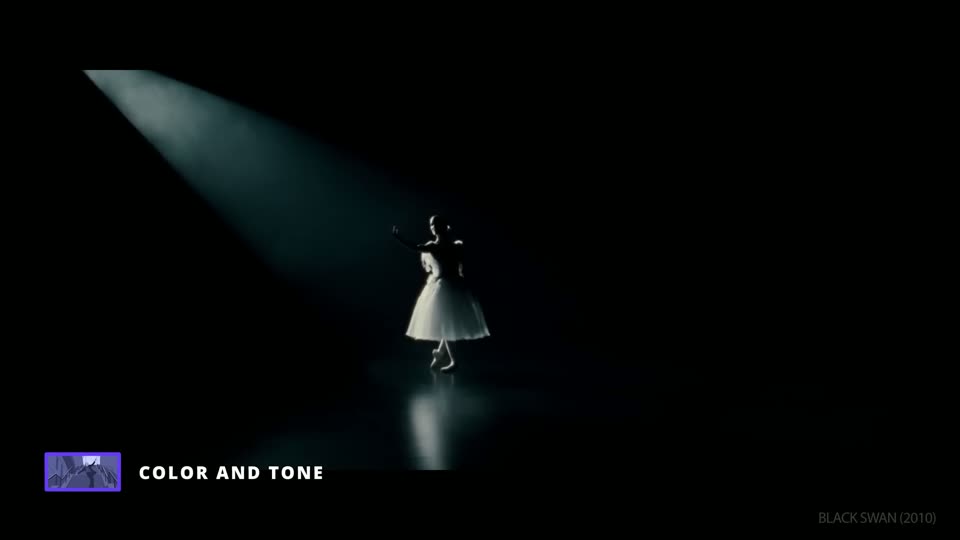
Light
Most of the time on a shoot goes into light. Moving the camera is quick; changing the light is slow.
Key light
The main light on the person. It sets the direction of the shadows.
Fill light
A weaker light on the other side that makes the key's shadows lighter.
Back light, or rim light
A light behind the person that draws a bright edge and separates them from the background.
Contrast ratio
How much brighter the key side is than the fill side. A low ratio looks soft and even; a high ratio looks dramatic.
Hard light
Light from a small source, such as a bare bulb or the sun. Sharp shadows.
Soft light
Light from a big source, such as a softbox or a cloudy sky. Soft, gradual shadows.
High key and low key
High key is bright with few shadows. Low key is mostly dark, with deep shadows and small areas of light.
Practical
A lamp, screen or candle that is part of the set and shows in the frame.
Motivated light
Film light placed so it seems to come from a source in the scene, such as a window or a lamp.
Bounce
Light reflected off a white board, wall or reflector to make it softer.
Diffusion
Material in front of a light, such as a softbox or frosted fabric, that makes it softer.
Negative fill
A black board or cloth that takes light away from one side to deepen the shadows.
Flag
A black panel that blocks light from part of the set or from the lens.
Barn doors and snoot
Barn doors are metal flaps on a light that shape the beam. A snoot is a tube that makes the beam a small circle.
Gel
Coloured film in front of a light. It changes the colour of the light.
Colour temperature K
The colour of white light, in kelvin. About 3200 K is warm, like a tungsten bulb; about 5600 K is daylight. The camera's white balance is set to match.
Silhouette
The person is dark against a bright background, so only their shape reads.
A thin fog in the air that makes beams of light visible.
Pre-light
Setting up the light for the next set while the current set is still shooting. It needs enough lights and people.
Flicker
Light that pulses on camera. At 25 fps with a 1/50 shutter on 50 Hz power, normal lights are safe. Dimmed LEDs, colour effects, laptop screens and projectors can still flicker, so test them on location.
Camera settings
Settings the camera team chooses before they roll. They decide how the picture moves, how much light it needs and what the edit can do with it.
Frame rate fps
Pictures per second. 24 or 25 fps is normal for film. Shooting 50 fps and playing it at 25 gives half-speed slow motion.
Shutter speed and the 180-degree rule
How long each picture is exposed. The usual rule is one over twice the frame rate, so 1/50 at 25 fps. That gives natural motion blur.
ISO ISO
How bright the camera makes the picture electronically. Higher ISO helps in the dark but adds noise.
ND filter ND
A grey filter that darkens the image without changing colour. It lets the team keep a wide aperture and the right shutter in bright light.
White balance WB
Tells the camera what colour white is, so skin and white objects look right under each light.
Resolution
How many pixels the picture has, such as 4K or 8K. Extra pixels let the edit crop in or make a push-in without losing detail.
PAL and NTSC
Two video standards. PAL uses 25 and 50 fps and matches 50 Hz power, as in Vietnam. On the A1 II, 8K at 25p needs PAL mode.
Codec
How the camera compresses the video, such as H.264 or H.265. Some editing software cannot open some codecs, so test a clip on every editing computer first.
Log profile
A flat, grey-looking picture, such as Sony's S-Log3, that keeps more detail in highlights and shadows. It must be colour graded. Sony's S-Cinetone looks finished straight from the camera.
Rolling shutter
The sensor reads the picture line by line, so fast moves make straight lines lean. It is worse in 8K than in 4K on the A1 II.
Aspect ratio
The shape of the frame, such as 16:9 for most screens, 2.39:1 for wide cinema, or 9:16 for vertical phone video.
Camera support
What holds the camera. Each one makes some moves possible and costs set-up time.
Tripod
Three legs that hold the camera still.
On set. The quickest to set up.
Fluid head
The top of a video tripod. It lets the camera pan and tilt smoothly.
On set. Needed for smooth pans and tilts.
Low mount, or hi-hat
A very short stand for shots near the floor.
On set. For knee-level and ground-level shots.
Slider
A short rail, often under 1 m, that the camera slides along.
On set. Short push-ins and side moves. A few minutes to set up and level.
Dolly
A wheeled cart for the camera, often on a track.
On set. Long, smooth moves. Track takes time to lay and level.
Gimbal
A hand-held motorised stand, such as the DJI RS 4 Pro, that keeps the camera level while the operator walks.
On set. 5 to 10 minutes to balance, more after a lens change.
Shoulder rig
A frame that rests the camera on the operator's shoulder for steadier handheld.
On set. Fast. Good for POV and short handheld shots.
Jib or crane
An arm that lifts the camera up and down through the air.
On set. Needs rental, space and a trained operator.
Apple box
A wooden box used to raise a person, a light or the camera to the right height.
On set. Cheap and always useful.
On set and in the schedule
Words for planning and running the shoot. They matter most for the breakdown, because a shoot day is limited by set-ups, not by shots.
Shot
One continuous piece of film between two cuts.
Set-up
One camera position with one lighting plan. Several shots can share one set-up.
On set. At least 20 minutes for a professional crew, usually 20 minutes to an hour. The first set-up of the day indoors can take a no-budget crew about 3 hours.
Take
One attempt at a shot. The camera team usually needs several.
On set. About 10 minutes from one 'cut' to the next 'action', resets included, on a low-budget shoot.
Coverage
All the shots that record one scene, often a wide master plus closer shots.
On set. More coverage gives the edit more choice and costs more set-ups.
Blocking
Planning where the actors move and stand, and where the camera goes.
Marks
Tape on the floor that shows where an actor stops, or where the camera or a light stands.
Rehearsal
A run of the shot before recording, for the actors, camera and focus.
Slate, or clapperboard
The board shown at the start of a take with the shot and take number. The clap lines up the sound.
Shot list
The list of every shot to film, with size, angle, move and lens.
Storyboard
Drawings of each shot in order, like a comic.
Breakdown
Going through the script or treatment shot by shot to list what each one needs: people, props, gear, light and time.
Call sheet
The daily plan sent to the crew: times, place, scenes, people and contacts.
Call time
The time each person must be ready on set.
Set change, or company move
Moving the crew to the next set or place. It takes a long time, so it goes in the schedule.
On set. Plan 60 to 120 minutes for a full set change.
B camera
A second camera. It can film a second angle at the same time, or film inserts on its own.
Pickup
A short shot filmed later to fix or complete a scene.
Continuity
Keeping details the same from shot to shot: clothes, props, hair, light and the actor's position.
180-degree rule
Keep the camera on one side of an imaginary line between two people, so they stay on the same sides of the frame from shot to shot.
Eyeline
Where an actor looks. It must match between shots so two people seem to look at each other.
Room tone
A recording of the room in silence, which the sound editor uses to fill gaps.
Dry run and wet run
A dry run is a practice of the plan without the full set-up. A wet run is a full practice with the real set-up, gear and people.
Wrap
The end of shooting, for a set or for the day.
Frames are taken from StudioBinder's videos for study and link back to the moment in each video. Every film belongs to its makers. For movements, the three frames are the start, middle and end of the cut, so the motion between them is not shown. Watch the linked moment to see it. Set-up and take times come from published production guides and are estimates; the dry run will measure this team's own times.